
Tool DiscoveryTool Discovery

Best AI for LinkedIn Profile Optimization in 2026

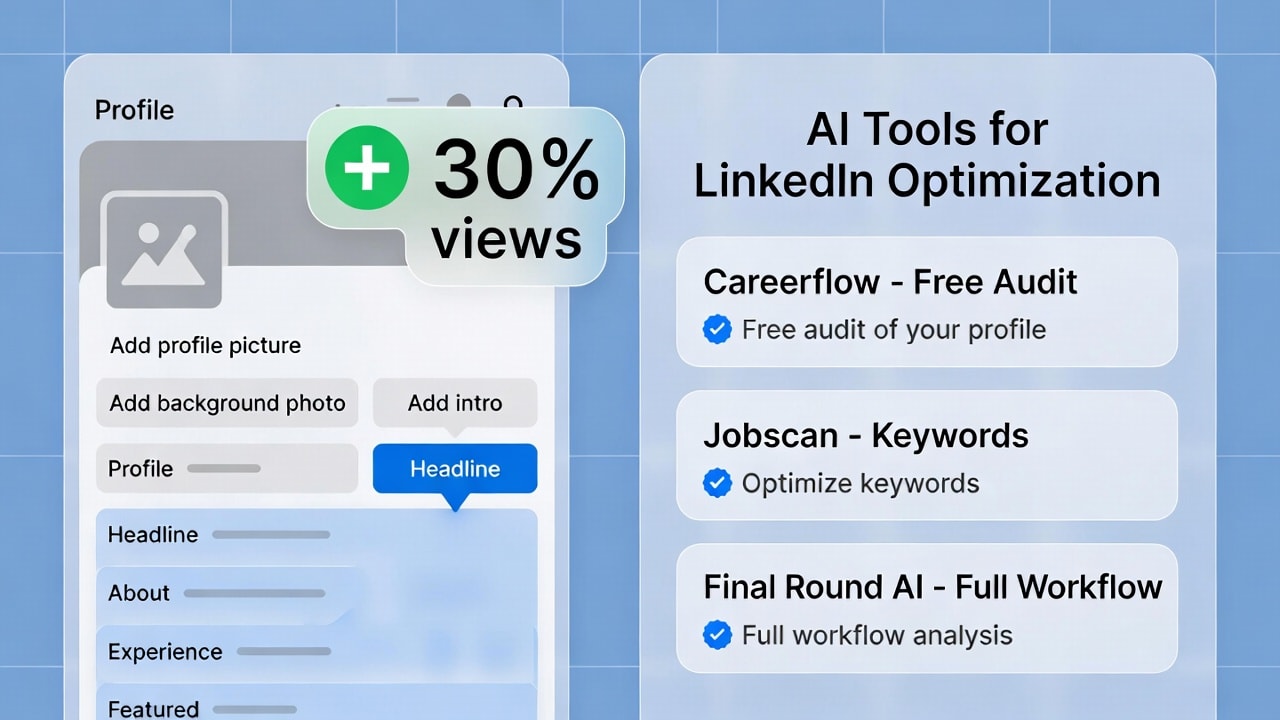
A LinkedIn profile with the right keyword structure gets 30% more recruiter views than the same profile written without AI assistance. The reason is simple: LinkedIn's search algorithm indexes headlines, About sections, and experience descriptions for exact keyword matches, and most professionals write their profiles as narratives rather than search-optimized assets. AI tools change this equation. For job seekers who want to go from profile optimization directly into interview preparation, Final Round AI is the most complete workflow tool: it scans your LinkedIn profile against job descriptions for keyword gaps, converts your profile into an ATS-friendly resume, and then takes you through mock interviews and a live Interview Copilot for the actual call. This guide covers the best AI tools for every part of LinkedIn profile optimization, section by section, with the specific prompts that produce results and the ethics distinction between safe content AI and automation bots that get accounts banned.

Updated: 2026-02-219 min read

AI-optimized LinkedIn profiles get 30% more recruiter views - the right tools and prompts make the difference

Best AI tools for LinkedIn profile optimization 2026 - headline, about section, and keyword optimization comparison

Detailed Tool Reviews

1

Final Round AI

4.5

The most complete AI career workflow tool. Final Round AI scans your LinkedIn profile against target job descriptions for keyword and ATS alignment gaps, converts your LinkedIn profile into an ATS-optimized resume, and then continues into interview preparation with role-specific mock interviews and a live Interview Copilot for real calls. Recommended in r/cscareerquestions with approximately 80% reported success rate.

Key Features:

  • LinkedIn profile scan against job descriptions for keyword gap analysis
  • Auto-converts LinkedIn profile to ATS-friendly resume
  • Role-specific mock interview questions by company and job title
  • Live Interview Copilot: real-time coaching during actual interviews
  • Post-interview analytics and performance tracking

Pricing:

Freemium / paid plans

Pros:

  • + Covers the full job search workflow from profile to offer
  • + LinkedIn profile → resume conversion removes manual reformatting
  • + Role-specific questions validated by r/cscareerquestions community
  • + Live Copilot addresses the gap between practice and real interview performance

Cons:

  • - Primarily designed for interview prep beyond profile optimization
  • - Best value for active job seekers, less useful for passive profile improvement

Best For:

Active job seekers who want a single tool that handles LinkedIn optimization, resume conversion, and interview preparation in one workflow

Try Final Round AI
2

Jobscan

4.4

The most established keyword gap analysis tool for LinkedIn profiles and resumes. Paste a job description, paste your LinkedIn About or experience section, and Jobscan generates a match rate score with specific missing keywords. Job seekers and career coaches use it to systematically improve ATS compatibility and recruiter search visibility.

Key Features:

  • Match rate scoring: percentage overlap between your profile and a job description
  • Missing keyword identification with context on where to add them
  • LinkedIn-specific optimization separate from resume scanning
  • Recruiter search optimization tips
  • Cover letter analysis on paid plans

Pricing:

Free (limited scans) / Pro $49.95/mo

Pros:

  • + Most precise keyword gap analysis in this category
  • + Separate LinkedIn profile scanner optimized for recruiter search
  • + Free tier gives enough scans to evaluate a real job application
  • + Trusted by career coaches as a primary recommendation

Cons:

  • - Pro at $49.95/month is expensive for casual use
  • - Focus is on keyword matching, not content writing
  • - Works best when you already have a draft to optimize

Best For:

Job seekers applying to specific roles who want to maximize ATS match rates and recruiter search visibility with data-driven keyword placement

Try Jobscan
3

Careerflow

4.3

Free Chrome extension that scans your LinkedIn profile and generates an optimization score with specific improvement suggestions. The most accessible starting point for LinkedIn profile AI optimization - no signup friction, works directly on the LinkedIn page, and the free tier covers the core profile audit without a credit card.

Key Features:

  • Free Chrome extension - works directly on your LinkedIn profile page
  • Profile score with section-by-section improvement recommendations
  • Headline and About section rewrite suggestions
  • Keywords analysis based on your target roles
  • Job tracker integration on paid plans

Pricing:

Free Chrome extension / paid plans

Pros:

  • + Free to start with no credit card required
  • + Works in-browser directly on LinkedIn without copy-pasting
  • + Good starting audit before investing in deeper tools like Jobscan
  • + Simple, accessible interface for non-technical users

Cons:

  • - Less precise keyword analysis than Jobscan for specific job applications
  • - Advanced features require paid plan
  • - Chrome-only (no Firefox or Safari)

Best For:

Anyone starting their LinkedIn optimization process who wants a free, immediate audit without signing up for a paid tool first

Try Careerflow

The 3 LinkedIn Sections Where AI Makes the Biggest Difference

LinkedIn indexes three sections most heavily for recruiter search: headline, About section, and experience descriptions. These are also the sections most people write as personal narratives rather than search-optimized content.

SectionCharacter LimitWhy It MattersAI's Best Use
Headline220 charsPrimary recruiter search signalGenerate 5+ variations to A/B test
About2,600 charsFirst 220 chars shown before collapseDraft full arc, front-load keywords
Experience2,000/roleQuantified results vs. responsibility listsTurn duties into impact statements

The headline formula that performs best in career communities: "What you do + Who you help + How you are different." Example: "Product leader helping B2B SaaS teams ship faster | Ex-Stripe." Most professionals never A/B test their headline, yet it is the single field that most affects whether a recruiter clicks through.

For experience bullets, AI is particularly useful for generating quantification language. "Managed a team of 5" is a responsibility statement. "Led a 5-person team that cut onboarding time by 40% in 3 months" is a result. The difference in recruiter response rate between these two styles is significant across r/jobs and r/cscareerquestions threads.

One more factor outside the writing: LinkedIn's own data shows profiles with professional photos get 14x more views than those without. Canva's AI headshot generator and PFPMaker are the two most accessible free options.

AI Prompts That Actually Work for LinkedIn Optimization

Career coaching communities have landed on specific prompt structures that produce LinkedIn-ready output rather than generic text. These work in ChatGPT, Claude, or any general AI tool.

For the headline:

"Write 5 LinkedIn headline options for a [job title] who helps [target audience] achieve [specific result]. Each headline must be under 220 characters, include keywords recruiters searching for [3-5 skills] would use, and follow the format: title + proof + differentiation. My background: [paste 3-5 bullet points]."

For the About section:

"Write a LinkedIn About section that opens with a hook about my current work, summarizes my expertise in 2-3 sentences, includes one specific result metric, states my professional goals, and ends with contact info. Write it conversationally - as if describing my work at a networking event. Include these keywords naturally: [list 5-10 target skills]. Keep it under 2,600 characters. Base it on: [paste your background notes]."

For experience bullet points:

"Rewrite this job description as 4-5 bullets leading with action verbs and quantified results. If I have not provided metrics, suggest placeholders I can fill in. Focus on what changed as a result of my work, not what my responsibilities were. Role: [paste existing text]."

One instruction that applies to all three prompts: after the first draft, add "Now rewrite this to sound more like how I naturally speak" and paste a short sample of your own writing (an email or message). This step removes most of the generic AI tone that career communities consistently flag as authenticity-killing.

Content AI vs Automation Bots: What Gets Your Account Banned

The LinkedIn community has a clear distinction on AI use that many people miss. The risk level depends entirely on what the tool does, not that it uses AI.

TypeRisk LevelExamplesWhat LinkedIn Does
Content AILess than 5% riskChatGPT, Claude, Jobscan, CareerflowNo detection or penalty
Automation bots60%+ suspension rateBulk connection senders, auto-appliersFlags within 24-48 hours

Content-generation AI means using ChatGPT or Claude to write your headline, About section, or experience bullets. You write the content, you publish it. Career communities estimate less than 5% account risk. LinkedIn treats AI-assisted writing the same way it treats hiring a professional resume writer.

Automation bots log into LinkedIn and take actions on your behalf without your clicking. Multiple r/linkedin threads document permanent account suspensions from tools marketed as "AI LinkedIn tools" that automatically send connection requests or submit hundreds of job applications.

From r/linkedin (1.2k upvotes): "The rule I use: if I have to type something and press send myself, it's content generation. If the tool logs into LinkedIn as me and does anything, that's automation and it's not worth the risk."

The practical test: Careerflow, Jobscan, ChatGPT, Claude, and Final Round AI all generate analysis or text that you then act on yourself. They are content tools. Anything that takes automated actions on your LinkedIn account is the high-risk category.

Keyword Optimization: How AI Helps You Appear in Recruiter Searches

LinkedIn recruiter search works like a keyword search engine. Recruiters filter by job title, skills, location, company, and specific technical terms. If those exact words do not appear in your profile, you do not show up in results regardless of how relevant your actual experience is.

AI tools address keyword gaps in two ways:

  • Gap analysis: Jobscan and Final Round AI let you paste a target job description and compare it against your profile. They identify specific keywords that are missing and suggest where to place them. Profiles with a 70%+ keyword match rate against target roles get significantly more recruiter inbound than profiles with 30-40% match.
  • Natural integration: The community pattern for ChatGPT keyword optimization is generating text that works keywords in without the forced phrasing that makes profiles sound like stuffed resumes. The prompt: "Rewrite this experience description to naturally include these keywords: [list], without sounding forced. Existing text: [paste]."

LinkedIn's AI Hiring Assistant now uses semantic search alongside exact keyword matching. Career communities note this makes the first 2-3 sentences of your About section especially important - the AI weights them as primary topic signals.

From r/careerguidance: "I went from zero recruiter inbound to three messages in two weeks after using Jobscan to close keyword gaps on my profile. The match rate went from 34% to 71% against my target roles."

Front-load your core expertise and target role language in those opening sentences rather than saving them for the body of the About section.

Does AI-Generated LinkedIn Content Hurt Authenticity?

Career communities have a consistent answer: AI content hurts authenticity when it is published unedited, and improves profiles when used as a first draft.

Patterns that signal low authenticity in LinkedIn profiles:

  • Generic opener phrases: "I am passionate about driving results," "excited to share," "transforming industries"
  • Claims in the About section with no matching evidence in experience descriptions
  • Keyword density that reads as stuffed rather than natural

The 93% test career communities reference:

"After AI generates your LinkedIn content, read it aloud. If it sounds like you talking at a dinner party, keep it. If it sounds like a corporate brochure, edit it. The AI gives you the structure and keywords; your voice makes it yours."

The practical result documented across r/jobs and r/linkedin: profiles that use AI for initial drafts then personalize with specific anecdotes, real numbers, and their own writing style see around 30% more profile views without authenticity damage. Profiles that publish AI output unedited see initial improvement but lower engagement when conversations with recruiters start, because the voice in the profile does not match the person in the message.

Recruiters at this point assume most polished profiles had some AI assistance - the same way they assume polished resumes had professional help. The question is not whether you used AI; it is whether the profile accurately represents you once a conversation begins.

Frequently Asked Questions

For a free starting point, the Careerflow Chrome extension audits your profile with immediate suggestions at no cost. For keyword optimization against specific job descriptions, Jobscan is the most precise tool. For the full workflow from LinkedIn optimization through interview preparation, Final Round AI scans your profile for keyword gaps, converts it to an ATS resume, and continues into mock interview and live interview coaching.

Which AI LinkedIn tool should you start with in 2026

Start with the free Careerflow Chrome extension for an immediate profile audit with no signup. Then use the AI prompts in this guide with ChatGPT free or Claude free to rewrite your headline and About section. For specific job applications, run the job description through Jobscan against your updated profile to close keyword gaps. If you are actively job searching, Final Round AI covers LinkedIn profile optimization, ATS resume conversion, and interview preparation in one platform - addressing every stage from profile to offer.

About the Author

Amara - AI Tools Expert

Amara

Amara is an AI tools expert who has tested over 1,800 AI tools since 2022. She specializes in helping businesses and individuals discover the right AI solutions for text generation, image creation, video production, and automation. Her reviews are based on hands-on testing and real-world use cases, ensuring honest and practical recommendations.

View full author bio

Related Guides