

Tool DiscoveryTool Discovery

Best AI Game Maker Tools in 2026: Make 2D Games Without Coding

Making a 2D game used to require two separate skill sets that rarely overlap: art and programming. Engines like Unity (released 2005), GameMaker Studio (originally 1999), and GDevelop (open-source, 150,000+ published games) lowered the programming barrier through visual editors, but the art side stayed hard. You still needed to draw characters, paint backgrounds, and animate sprites by hand or hire someone who could. AI tools changed that constraint in 2024-2025. Text-to-image models trained on millions of game assets can now produce characters, tilesets, and backgrounds from a description. More recently, tools like Makko AI, Rosebud AI, and Scenario extended this further -- generating art, maintaining visual consistency across a whole project, and building playable game logic from plain-English descriptions. This guide covers the five best AI game maker tools in 2026, what each does well, where each falls short, and which one fits your specific situation.

Updated: 2026-04-1916 min read

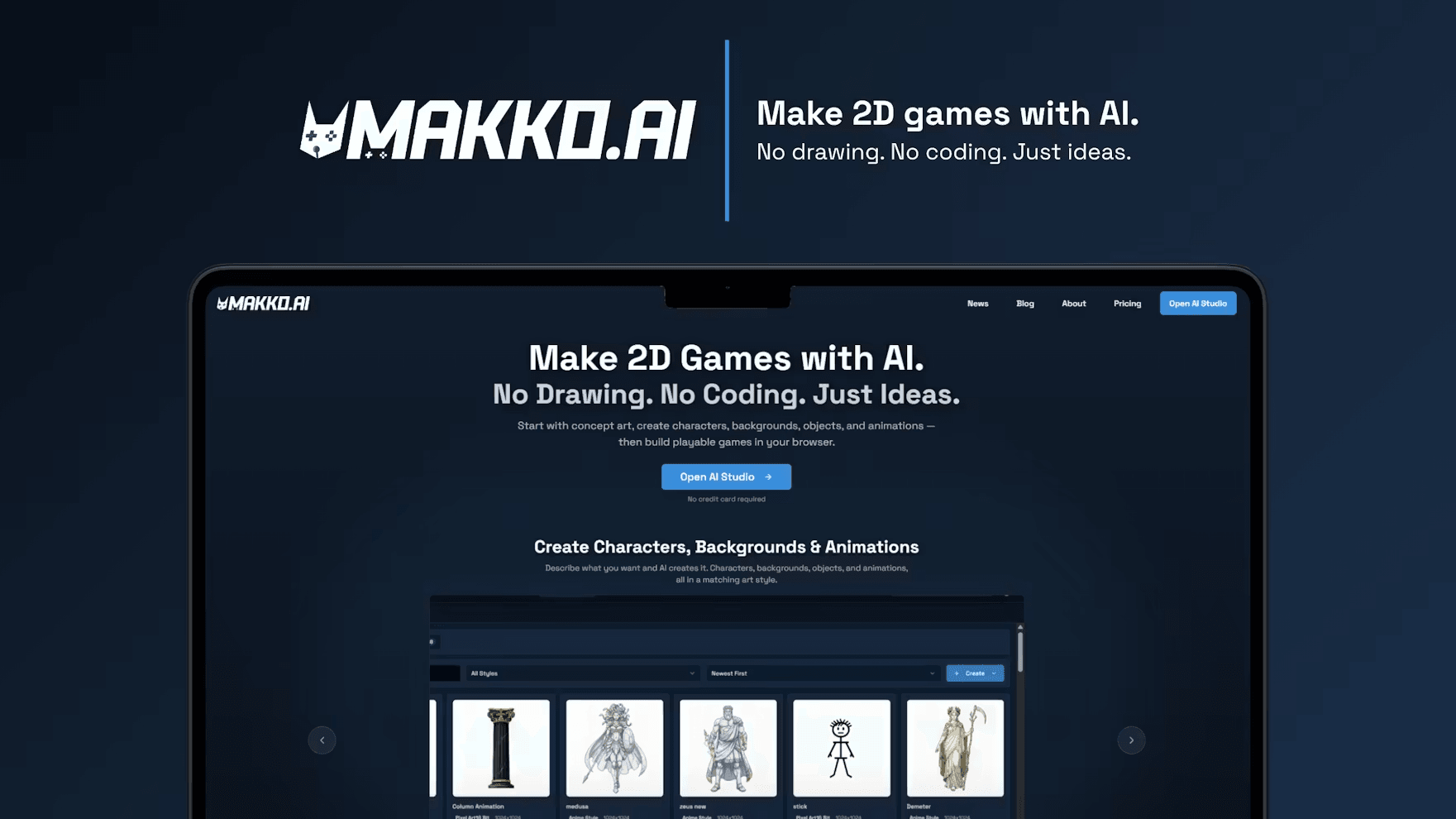
Makko AI Art Studio generating 2D game characters and backgrounds from text descriptions with automatic style consistency via Collections

Best AI game maker tools 2026 -- Makko AI 2D game studio showing AI-generated characters, backgrounds, and animations

Quick Comparison

Select Tools to Compare (Max 5):

Makko AI logo

Makko AI

Pricing:Free tier + $20/mo
Art Generation:
Game Logic Output:
Style Consistency System:
Custom Model Training:
Engine Integration:
Free Option:
Best For:Full 2D game pipeline
No website available

Rosebud AI

Pricing:Free core
Art Generation:
Game Logic Output:
Style Consistency System:
Custom Model Training:
Engine Integration:
Free Option:
Best For:Quick prototypes
No website available

Scenario

Pricing:From $49/mo
Art Generation:
Game Logic Output:
Style Consistency System:
Custom Model Training:
Engine Integration:
Free Option:
Best For:Studios with existing style
No website available

Leonardo AI

Pricing:Free (150/day) + $12/mo
Art Generation:
Game Logic Output:
Style Consistency System:
Custom Model Training:
Engine Integration:
Free Option:
Best For:Standalone art generation
No website available

AI Game Maker Tools Reviewed: What Each One Actually Does

1
Makko AI logo

Makko AI

4.8

Makko AI is a browser-based 2D game studio with two core tools that cover the full production pipeline. Art Studio generates characters, backgrounds, objects, and animations from text descriptions. Code Studio turns a plain-English description of your game idea into a playable browser game -- no programming required. The part that separates Makko from standalone image generators is Collections: a style-consistency system that keeps every asset you generate looking like it belongs to the same project. Describe ten different characters across three sessions, and Collections ties them together visually without extra effort. More than 5,000 creators have used the platform, generating over 50,000 assets. The free tier is available with no credit card required.

Key Features:

  • Art Studio generates characters, backgrounds, objects, and animations from text descriptions
  • Collections system maintains visual consistency across all assets automatically
  • Code Studio builds a playable browser game from a plain-English game description
  • Sub-collections for organizing assets across multiple game worlds or levels
  • No drawing skills or coding required for the full pipeline
  • 5,000+ users, 50,000+ assets generated by the community

Pricing:

Free tier available, paid plans from $20/month

Pros:

  • + Only tool in this list that covers both art generation and playable game output in one platform
  • + Collections solves the consistency problem that plagues other text-to-image approaches for games
  • + Free tier available with no credit card -- genuinely usable before committing
  • + Active community on Discord and Reddit (r/Makkoai) for troubleshooting and sharing

Cons:

  • - Focused on 2D only -- no 3D asset generation or 3D game output
  • - Browser-based game output works best for simpler game logic; complex mechanics may need additional tools

Best For:

Indie developers, hobbyists, and designers who want to go from idea to a playable 2D browser game without touching code or a drawing tablet. Also the strongest option for game jam participants who need coherent art across an entire project fast.

Try Makko AI
2

Rosebud AI

4.4

Rosebud AI uses a prompt-to-game approach where you describe the game you want and the platform handles code, assets, and basic game logic together. It runs entirely in the browser with no installation, and finished games can be shared instantly via URL. The platform has produced a large catalog of community-made games, which makes it a useful reference for what AI-generated games can look like in practice. The free tier is genuinely functional, which makes Rosebud a reasonable starting point before committing to a paid tool.

Key Features:

  • Unified prompt-to-game workflow -- code, assets, and logic generated together
  • Browser-based with no installation or downloads
  • Instant URL sharing for finished games
  • Community game catalog for reference and inspiration
  • Free core tier with no upfront cost

Pricing:

Free core use; paid tiers available

Pros:

  • + Free tier covers the full core workflow -- no paywall to try it properly
  • + Fastest path from zero to a shareable game for complete beginners
  • + Active community catalog shows what is achievable

Cons:

  • - Art style consistency across a project is harder to manage than in Makko AI
  • - Limited control over individual asset styles compared to dedicated art generators
  • - Complex game mechanics require significant prompt engineering

Best For:

Complete beginners who want to see a playable game output from a single prompt with no setup. Best for quick experiments and sharing concepts rather than polished releases.

Try Rosebud AI
3

Scenario

4.5

Scenario focuses specifically on game art generation using fine-tuned AI models. Rather than using a generic image generator, you can train a custom model on your own existing art or an established style, and then generate hundreds of consistent assets from that model. This approach suits studios that already have a defined visual identity and need to scale asset production -- the generated sprites and backgrounds will match your house style because the model was trained on it. Scenario is used by a number of independent studios and has deep integrations with Unity.

Key Features:

  • Custom model training on your own art style for consistent output at scale
  • Fine-tuned models purpose-built for game asset generation
  • Unity plugin integration for direct workflow use
  • Generates sprites, backgrounds, character sheets, and UI elements
  • Batch generation for producing large asset sets efficiently

Pricing:

Freemium; paid plans from $49/month

Pros:

  • + Custom model training solves the consistency problem for studios with existing style guides
  • + Unity integration reduces workflow friction compared to export-then-import approaches
  • + Better suited for professional studio use than consumer-focused tools

Cons:

  • - Custom model training requires existing art samples -- no shortcut if starting from zero
  • - Higher pricing than Makko AI or Rosebud for comparable asset generation volume
  • - No integrated game logic or code output -- art only

Best For:

Indie studios and professionals who have an existing art style and need to generate hundreds of consistent assets from it. Best when you already know what your game should look like and need scale.

Try Scenario
4

Leonardo AI

4.6

Leonardo AI is a general-purpose AI image generator with strong positioning in game asset production. It offers 150 free generation tokens daily with no credit card, which is enough for 30-40 images per day at standard settings. Several fine-tuned models focus specifically on game art styles (fantasy, sci-fi, pixel art, anime), and the platform includes background removal and upscaling built in. It does not generate game logic or handle style consistency automatically, but as a standalone art generation layer it covers a wide range of game art styles at low cost.

Key Features:

  • 150 free daily tokens (30-40 images/day at standard settings) with no credit card
  • Purpose-built models for game art: fantasy, sci-fi, pixel art, anime styles
  • Built-in background removal for direct use in game engines
  • Image upscaling to 2048x2048 for print-quality game assets
  • Prompt Magic feature for enhancing basic descriptions into detailed prompts
  • Community models created by other Leonardo users, shareable and reusable

Pricing:

Free (150 daily tokens); paid plans from $12/month

Pros:

  • + Most generous free tier in this list -- 150 daily tokens covers real production use
  • + Pixel art and fantasy game art models produce consistently good results
  • + Background removal built in saves a step versus Photoshop or manual masking

Cons:

  • - No style consistency system -- managing coherent art across a whole project requires manual effort
  • - No game logic output -- art generation only
  • - Upscaling and advanced features locked behind paid tiers

Best For:

Developers who already have a game engine set up and need a strong, affordable art generation layer. Best when you want maximum control over individual asset styles and are comfortable assembling a multi-tool workflow.

Try Leonardo AI

What AI game makers can and cannot do in 2026

AI game makers in 2026 fall into two categories that serve different needs. The first category generates game art -- characters, backgrounds, sprites, and animations from text descriptions. Tools like Leonardo AI, Scenario, and Makko AI Art Studio fall here. The second category goes further and generates playable game logic: the actual mechanics, win conditions, and interactivity. Makko AI Code Studio and Rosebud AI both attempt this, producing browser-playable outputs from plain-English game descriptions. What none of these tools reliably do yet: generate complex game logic for narrative branching, large open worlds, or multiplayer systems. The sweet spot in 2026 is 2D games with straightforward mechanics -- platformers, top-down shooters, puzzle games, and visual novels -- where the AI output covers 70-90% of what you need and minor manual adjustments handle the rest.

The style consistency problem and how Collections solves it

The practical problem with using text-to-image tools for game art is consistency. Generate a hero character today and a background tomorrow using the same prompt structure, and they will often look like they came from different games. The lighting differs. The line weight differs. The color palette drifts. Fixing this manually requires either a reference image system or significant prompt engineering discipline. Makko AI built a system called Collections specifically to address this. You create a Collection for a project, and every asset you generate within that Collection is anchored to the same visual style automatically. Add a new character three weeks later and it matches the original. Add a background for a second level and it fits the world. For solo developers and small teams producing dozens or hundreds of assets, this consistency system reduces the time spent on manual correction from hours to minutes.

AI game art versus traditional game art: a practical comparison

Traditional hand-drawn game art for a small 2D game takes 2-6 weeks for a solo artist producing characters, backgrounds, and UI elements. Outsourcing the same scope costs $2,000-15,000 depending on style and region. AI game art tools reduce this to hours and a fraction of the cost. The trade-off is control and uniqueness. A hand-drawn art style is by definition original. AI-generated art often has recognizable patterns that experienced players identify as AI-made, particularly in character faces and fine details. The practical middle ground many indie developers use in 2026: AI tools for background plates, environment tiles, and secondary objects where uniqueness matters less, combined with manual work or custom model training for hero characters and key story assets where distinctiveness is important.

How to choose the right AI game maker for your project

If you want to go from idea to a complete playable 2D game with consistent art and no coding, Makko AI is the most complete pipeline in one platform. If you want the fastest possible result from a single prompt and do not need polish, Rosebud AI gets you to a shareable game in under an hour with no setup. If you have an existing visual style and need to scale asset production to match it, Scenario custom model training is worth the higher price. If you are adding AI art generation to an existing workflow in Unity, Godot, or another engine and want maximum control over individual asset styles, Leonardo AI free tier covers serious production use before you need to pay anything. The tools are not mutually exclusive -- many developers use Makko AI or Scenario for style-consistent art and Leonardo AI for one-off assets where the style does not need to match a broader project.

Real-World Use Cases

Solo indie developer building a game jam entry

Game jams typically run 48-72 hours. The bottleneck for solo developers is art, not ideas. Using Makko AI, a developer can generate a full set of characters, backgrounds, and objects from text descriptions in a few hours, use Collections to keep them visually consistent, and then use Code Studio to prototype the core game loop. This leaves the bulk of jam time for polishing and bug fixing rather than drawing assets.

Recommended Tool: Makko AI

Designer with a game concept but no coding background

Many designers have detailed game ideas but no programming experience. The traditional options -- learning a game engine, hiring a programmer, or using simplified tools like Scratch -- all involve either a steep learning curve or ongoing cost. Makko AI Code Studio accepts a plain-English description of the game and produces a playable browser output, removing the programming requirement entirely while keeping the designer in control of the concept.

Recommended Tool: Makko AI

Indie studio scaling an existing art style to a larger project

A studio that already has character concept art for a game needs to generate dozens of additional assets -- enemies, NPCs, environment props, UI icons -- that match the existing style. Generating these with a generic AI tool produces inconsistent results. Scenario custom model training solves this by training on the existing art, so all generated assets inherit the established visual identity.

Recommended Tool: Scenario

Developer adding AI art generation to an existing Unity project

A developer mid-production on a Unity game needs additional background assets to fill out an expanding level design. They have a reference style already established. Leonardo AI free 150 daily tokens cover serious asset generation volume, background removal is built in, and the images export directly into the Unity project. The style consistency challenge is handled manually since the visual reference already exists.

Recommended Tool: Leonardo AI

Frequently Asked Questions

Makko AI is the most complete beginner option in 2026 because it handles both game art and game logic in one platform, requires no drawing or programming skills, and has a free tier available with no credit card. You describe what you want, and it generates characters, backgrounds, and a playable browser game from those descriptions. Rosebud AI is the fastest alternative if you want a single-prompt-to-game result without worrying about art consistency.

The right AI game maker depends on what you need to produce

Makko AI is the most complete option in 2026 for developers who want to handle both art and game logic in one platform -- the Collections system solves the style consistency problem that affects other text-to-image approaches, and Code Studio produces playable browser games from plain-English descriptions. Rosebud AI is the fastest path to a shareable game from a single prompt if consistency and polish are secondary to speed. Scenario fits studios with existing art styles who need custom model training for scale. Leonardo AI has the strongest free tier (150 daily tokens) for developers who want maximum control over individual assets within a multi-tool workflow. Start with Makko AI free tier if you are building a 2D game from scratch -- no credit card required.

Try Makko AI Free

About the Author

Amara - AI Tools Expert

Amara

Amara is an AI tools expert who has tested over 1,800 AI tools since 2022. She specializes in helping businesses and individuals discover the right AI solutions for text generation, image creation, video production, and automation. Her reviews are based on hands-on testing and real-world use cases, ensuring honest and practical recommendations.

View full author bio

Related Guides