
Best AI earbuds for consultants? Plaud One review
AI hardware has become a more prominent topic over the past two years, with new recording devices and wearables reaching the market. Plaud has recently added Plaud One to its lineup. This article examines its design and functions so consultants can assess it against their own client conversations.
Plaud One fits consultants whose client calls arrive between engagements. Earbuds keep incoming audio off shared-space speakers while they consult notes, and the recorded discussion can later inform an Agent-generated brief.
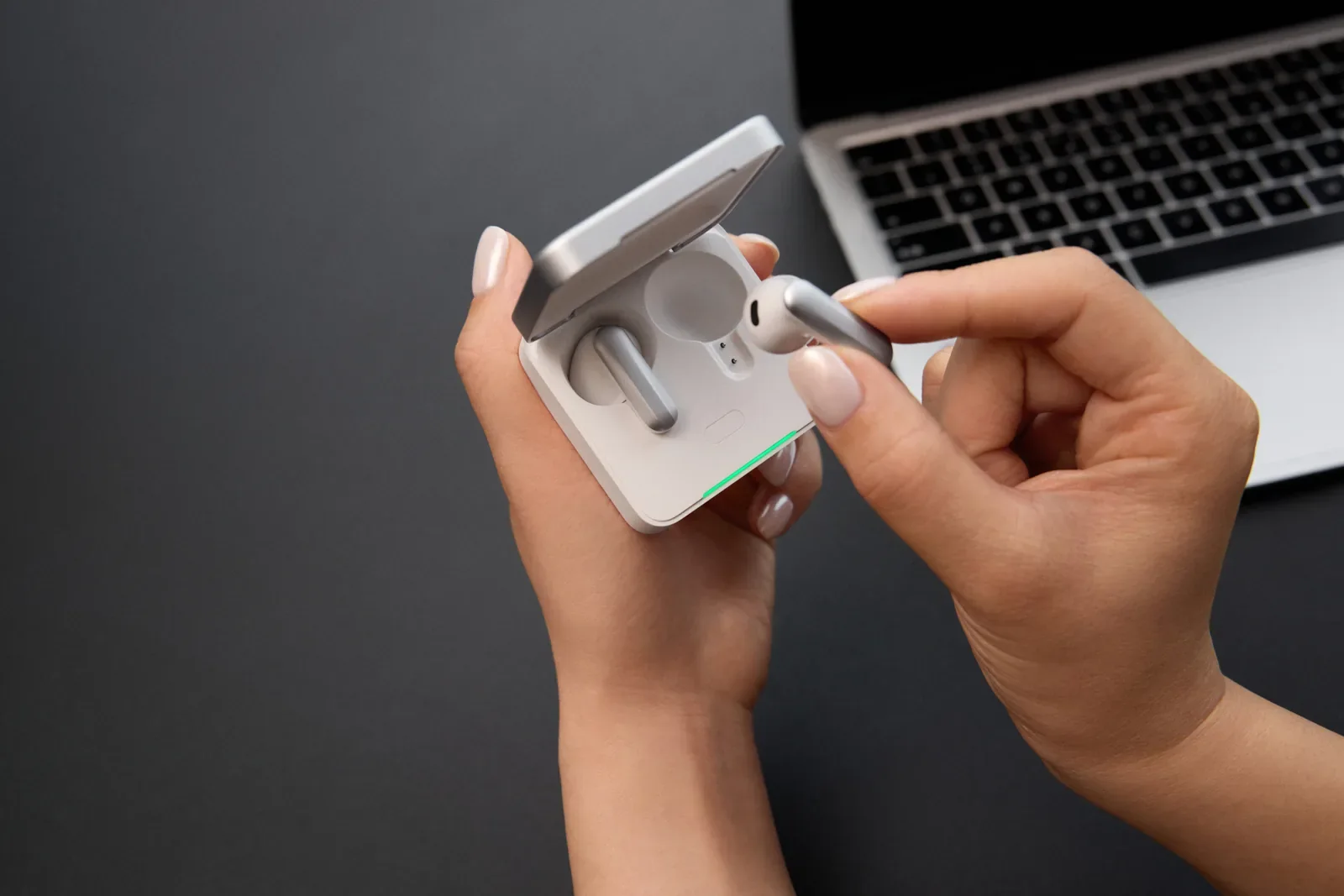
What is Plaud One?
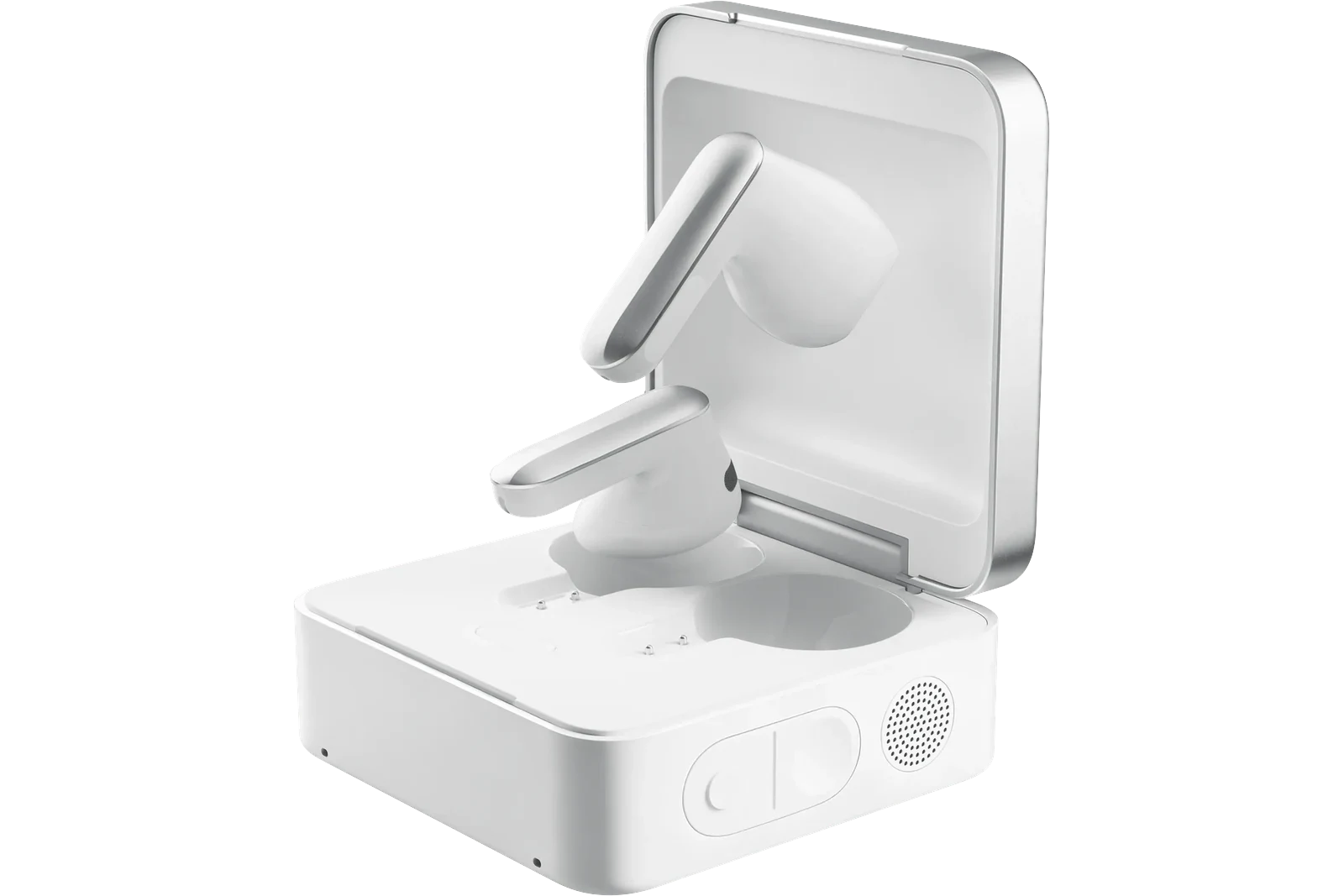
Plaud One is a pair of AI earbuds designed as an AI work companion, with a recording case and voice access to Plaud Agent. The earbuds record calls and online meetings, while the case records in-person conversations, so the workspace can hold both kinds of discussion. Afterward, hold the case’s AI Button to request an email or brief from the available context. Cloud tasks need connectivity and feature access, and you review detailed work in Plaud App or Plaud Web before sharing it.
Why use earbuds when the client calls away from the office?
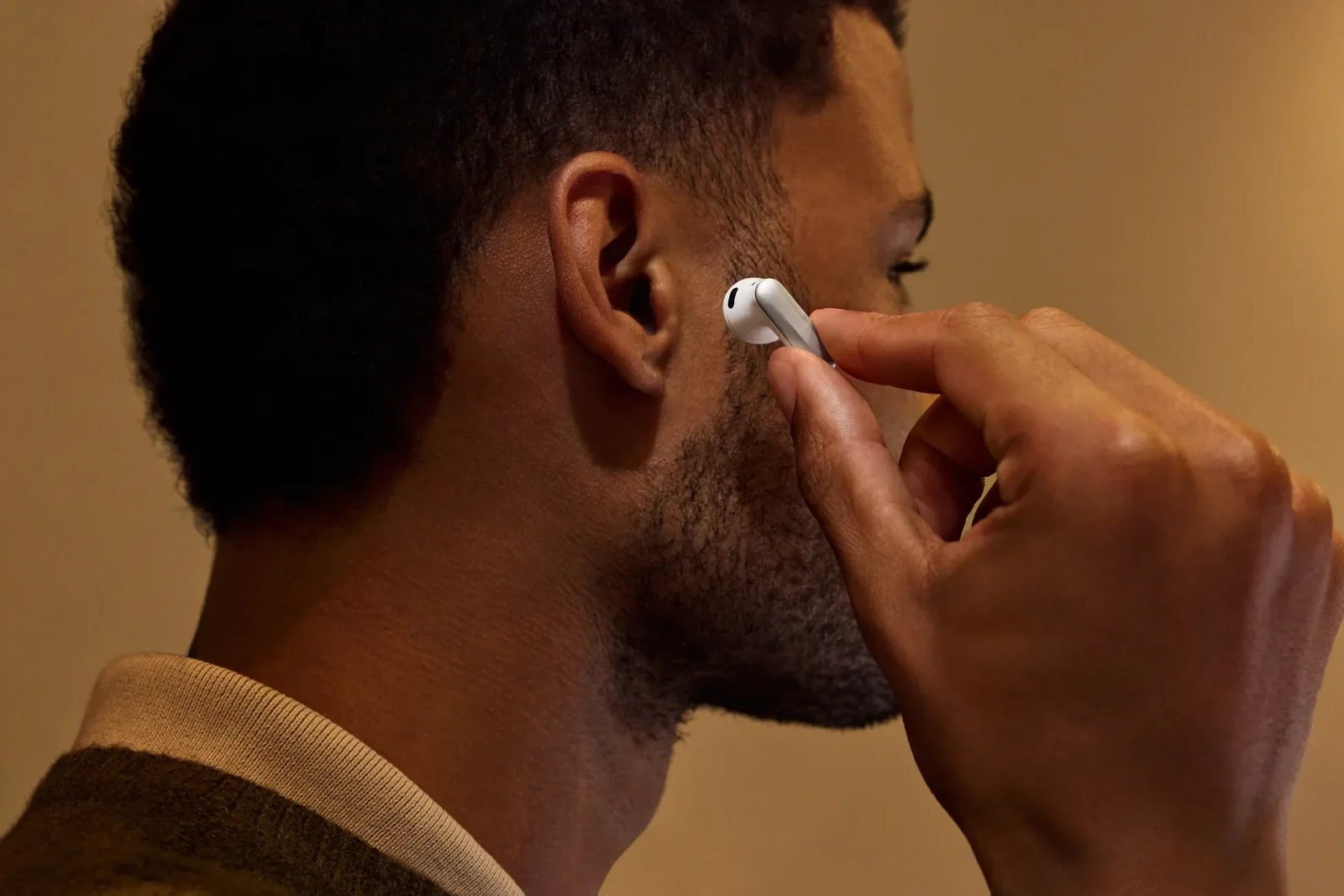
Suppose a client calls while you are waiting at an airport with interview notes open on your laptop. You need to check a detail as the client explains it, so holding a handset would occupy a hand needed for the notes. Earbuds keep your hands available without playing incoming audio through the laptop’s speakers.
A desk headset may meet a fixed-office need, but earbuds are more relevant when client calls follow you between workspaces.
More AI tool picks like this
Tested AI tools, honest verdicts, and real comparisons, delivered every Wednesday and Saturday.
What comes in the box?
The package contains:
- •Plaud One earbuds, left and right.
- •Charging case.
- •Quick start guide.
The case charges through USB-C, but a charging cable and power adapter are not included.
Key specifications
| Specification | Plaud One |
|---|---|
| US device price | US$249.99, Limited Explorer Edition (checked November 6, 2026) |
| Earbud microphones | 3 MEMS microphones and 1 voice pickup unit (VPU) per earbud |
| Case microphones | 4 MEMS microphones with AI beamforming |
| Case pickup range | Up to 5 m (16.4 ft) |
| Continuous case recording | Up to 25 hours |
| Playback with charging case | Up to 36 hours |
| Fit | Half-in-ear |
| Connectivity | Bluetooth 5.4 and built-in eSIM with 4G LTE |
When comparing endurance, keep recording separate from playback because they describe different activities. The performance figures come from controlled testing, so settings, surroundings, and use can affect the result.
How do you set up Plaud One and start recording?
Bind the device to your account
1. Sign in to Plaud App and enable Bluetooth.
2. Place both earbuds in the case, keep the lid open, and hold the internal pairing button for 2 seconds.
3. In Plaud App, select Add device, then Plaud One. Verify the serial number, tap Connect, and accept pairing.
Record the client interview
Use the earbuds for a phone or online interview. Once call or meeting audio is playing, holding the earbud stem for 1 second starts or stops recording with the default controls.
Participants hear an announcement when call or online-meeting recording begins, but required consent needs to be obtained beforehand. Follow company policies for recording, cloud processing, and retention too. If the interview is in person, use the case as a physical AI note taker: long-press its Record Button and position it for the discussion.
What does Plaud One do with the client’s clarification?
Plaud One can retain the clarification and give Plaud Agent context for a discovery brief. Once the required consent is obtained and recording is active, both sides of the call are captured for later review.
In this example, the client explains that an approval delay affects only one department. That qualification needs to survive into the brief. After the call, hold the case’s AI Button and ask for a draft that separates the client’s account from your interpretation, leaving the cause open until evidence supports it.
If the explanation depends on a document, add the permitted material as context. The Agent can then draft with connectivity and feature access available.
How do you review and use the results?
When you can use a screen, open the brief in Plaud App or Plaud Web and check its scope first. The department-specific issue should not have become an organization-wide claim. Once that is correct, verify the client and recipient, then edit the wording before sharing.
What are the pros and cons of Plaud One?
What are the pros?
Earbuds let you check interview notes while hearing the client, without playing incoming audio into the airport waiting area. Afterward, the recorded explanation can inform an Agent-generated brief, so you have the qualification available when preparing the analysis.
What are the cons?
Comfort varies between wearers, and repeated calls can become uncomfortable over time. A loose half-in-ear fit may also shift or fall out as you move through the airport.
Check the brief’s scope against the client’s account. A draft does not establish the cause of the delay. Advanced drafting needs connectivity and access to the relevant beta features.
Who should consider Plaud One?
Consider Plaud One if travel and client calls overlap and those discussions create written analysis. The earbuds address the immediate audio need, while the Agent can help prepare the subsequent brief.
Predominantly face-to-face research gives less reason to choose the earbud form, because the case records those discussions. Judge the device against the conversations you actually conduct.
Frequently Asked Questions
It can draft from the supplied account. The consultant needs evidence before treating an explanation as established.
Is Plaud One right for your client calls?
Consider Plaud One if travel and client calls overlap and those discussions create written analysis. Judge the device against the conversations you actually conduct.
Price and specifications checked on November 6, 2026.
About the Author

Amara
Amara is an AI tools expert who has tested over 1,800 AI tools since 2022. She specializes in helping businesses and individuals discover the right AI solutions for text generation, image creation, video production, and automation. Her reviews are based on hands-on testing and real-world use cases, ensuring honest and practical recommendations.
View full author bio→Related Guides
Fieldy AI Reddit Review: What Users Actually Say About the Wearable AI in 2026
What Reddit users say about Fieldy AI wearable in 2026 - transcription accuracy, task extraction, battery life, privacy, and how it compares to Plaud Note and Limitless Pendant.
5 Best Granola Alternatives for AI Meeting Notes in 2026
Looking for a Granola alternative for AI meeting notes? Compare Bluedot, Fathom, Fireflies.ai, Otter.ai, and tl;dv by free tier, CRM integrations, and platform support.
NoteGPT Reddit Review 2026: YouTube Summarizer vs NotebookLM
What Reddit users actually say about NoteGPT in 2026. YouTube summarizer vs NotebookLM comparison, free tier limits, pricing, and honest pros and cons.