Cline is an innovative VS Code extension that empowers developers with AI-driven assistance, merging command-line functionalities with coding support. By enabling natural language interaction, it enhances workflow efficiency and allows for seamless task management and insights.
Best AI Tools for Mobile App Development 2026
Discover 18 AI tools designed for mobile app development. Compare features, pricing, and capabilities to find the perfect tools for your workflow.
What are the best AI tools for mobile app development in 2026?
The best AI tools for mobile app development help automate workflows, organize tasks, and support decision-making processes. These tools are specifically designed formobile app development requirements and professional workflows.
Top 5 verified tools for mobile app development:
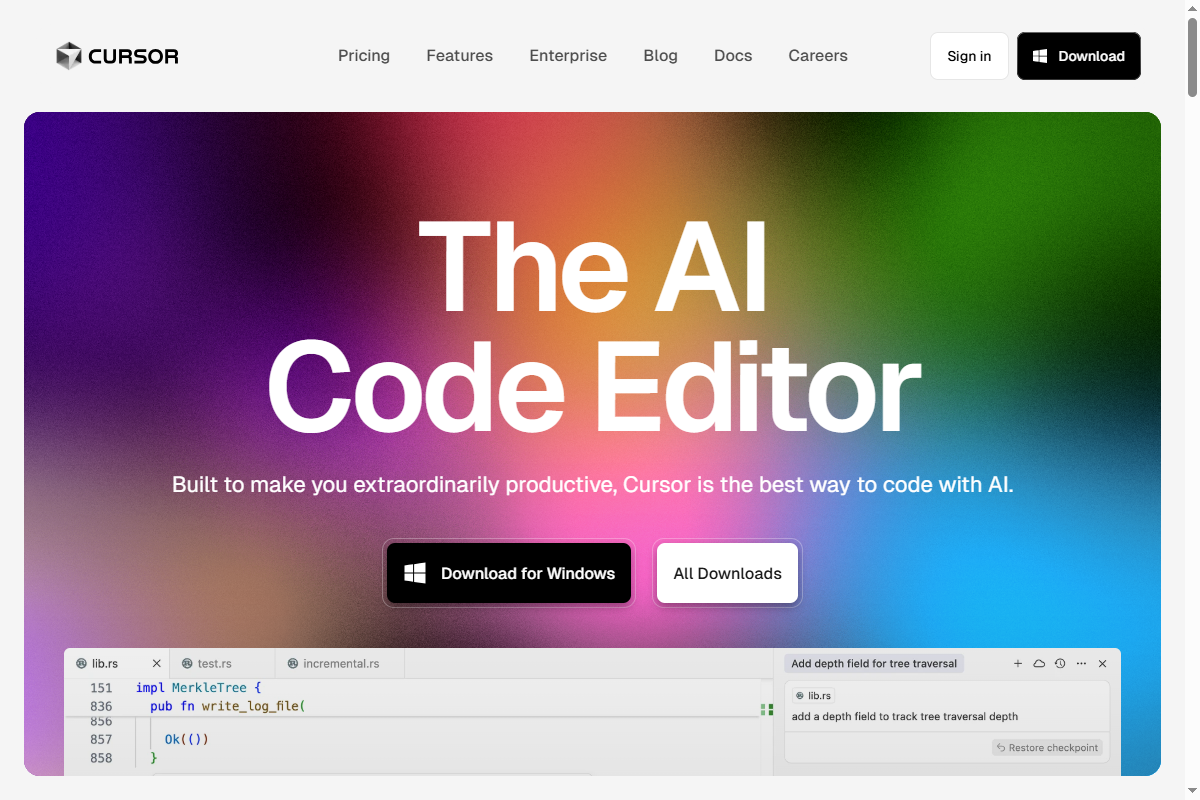
- Cursor (Freemium): Cursor is an AI-first code editor built on VS Code, featuring AI chat, codebase understanding, multi-file editing, and inline generation. → Learn More
- Devin (Paid): Devin is a revolutionary AI software engineer that autonomously plans, codes, and debugs entire projects, making it an essential tool for developers. → Learn More
- Windsurf (Freemium): Windsurf is a groundbreaking agentic IDE that merges copilot and agent functionalities, allowing developers to engage in autonomous coding workflows. → Learn More
- Cline (Free): Cline is an innovative VS Code extension that empowers developers with AI-driven assistance, merging command-line functionalities with coding support. → Learn More
- Sourcegraph Cody (Freemium): AI coding assistant with deep codebase understanding and intelligent code completion → Learn More
How can AI tools improve mobile app development?
AI tools can save 5-15 hours per week by automating repetitive tasks in mobile app development:
Automation Capabilities
- • Automate repetitive mobile app development tasks
- • Configure workflow automation and scheduling
- • Organize data and content processing
- • Support decision-making with AI insights
Key Features to Look For
- • AI Development specialized capabilities
- • Integration with existing workflows
- • Team collaboration features
- • Analytics and reporting tools
How much do AI tools for mobile app development cost?
| Pricing Tier | Number of Tools | Best For |
|---|---|---|
| Free | 6 tools | Individual users, testing |
| Freemium | 8 tools | Small teams, growing businesses |
| Paid | 4 tools | Enterprise teams, professionals |
How to choose the right AI tool for mobile app development?
- Identify your specific needs: Map out what tasks you need to automate and what features are essential for your mobile app development workflow
- Evaluate integration requirements: Ensure the tool integrates with your existing software and workflows
- Test with free tiers: Most tools offer free trials or freemium plans to test functionality before committing
- Consider scalability: Choose tools that can grow with your needs and team size
- Review support and documentation: Ensure adequate resources are available for onboarding and troubleshooting
Free AI Tools for Mobile App Development (6)
Free algorithm visualization platform from National University of Singapore (NUS) covering 26+ data structures and algorithms. Provides step-by-step animated visualizations for sorting algorithms (Quick Sort, Merge Sort, Heap Sort), graph algorithms (Dijkstra, BFS, DFS, Kruskal, Prim), tree structures (BST, AVL, Red-Black, Segment Tree), and dynamic programming problems. Used by 2M+ computer science students globally for exam preparation (CS1020, CS2040, CS3230), coding interview prep (FAANG companies), and algorithm complexity analysis (Big-O notation). Each visualization includes pseudocode, time complexity breakdown, and interactive mode for custom input. Created by Dr. Steven Halim and maintained by NUS School of Computing. Alternative to Algorithm Visualizer, USFCA Visualization Tool, and Sorting.at.
Freemium AI Tools for Mobile App Development (8)
Cursor is an AI-first code editor built on VS Code, featuring AI chat, codebase understanding, multi-file editing, and inline generation. Using GPT-4 and Claude models, it enables natural language programming, refactoring suggestions, bug fixes, and documentation generation, accelerating development with context-aware AI assistance integrated directly into the workflow.
Windsurf is a groundbreaking agentic IDE that merges copilot and agent functionalities, allowing developers to engage in autonomous coding workflows. Its innovative approach minimizes interruptions and boosts productivity through intelligent automation, ensuring creators stay in their optimal flow state.
StackBlitz is an innovative online IDE that empowers product and engineering teams to collaborate seamlessly using AI. It transforms text into functioning web applications directly in the browser, providing a one-click startup experience with a full-stack setup, eliminating complex local installations.
Showing 6 of 8 tools
Premium AI Tools for Mobile App Development (4)
Devin is a revolutionary AI software engineer that autonomously plans, codes, and debugs entire projects, making it an essential tool for developers. With its advanced AI technology, Devin enhances productivity and saves valuable time during project execution.

Lobe
Code
Lobe is a powerful, user-friendly tool that simplifies building and training machine learning models, making AI accessible without extensive programming knowledge. Its intuitive interface and robust integration support enable rapid development and deployment of AI solutions across various platforms.

NocodeBooth
Code
Code simplification tool designed for developers and technical teams, providing testing frameworks, IDE integration, syntax highlighting, and documentation generation. Facilitates testing automation, mobile app development, and API integration.
All 18 AI Tools for Mobile App Development
Cursor is an AI-first code editor built on VS Code, featuring AI chat, codebase understanding, multi-file editing, and inline generation. Using GPT-4 and Claude models, it enables natural language programming, refactoring suggestions, bug fixes, and documentation generation, accelerating development with context-aware AI assistance integrated directly into the workflow.
Devin is a revolutionary AI software engineer that autonomously plans, codes, and debugs entire projects, making it an essential tool for developers. With its advanced AI technology, Devin enhances productivity and saves valuable time during project execution.
Windsurf is a groundbreaking agentic IDE that merges copilot and agent functionalities, allowing developers to engage in autonomous coding workflows. Its innovative approach minimizes interruptions and boosts productivity through intelligent automation, ensuring creators stay in their optimal flow state.
Cline is an innovative VS Code extension that empowers developers with AI-driven assistance, merging command-line functionalities with coding support. By enabling natural language interaction, it enhances workflow efficiency and allows for seamless task management and insights.
StackBlitz is an innovative online IDE that empowers product and engineering teams to collaborate seamlessly using AI. It transforms text into functioning web applications directly in the browser, providing a one-click startup experience with a full-stack setup, eliminating complex local installations.
Showing 6 of 18 tools
Explore Tools by Profession
Related Use Cases
Best AI Tools for Coding
Discover the best AI tools for coding. Compare features and pricing.
Best AI Tools for Code Review
Discover the best AI tools for code review. Compare features and pricing.
Best AI Tools for Debugging
Discover the best AI tools for debugging. Compare features and pricing.
Best AI Tools for Web Development
Discover the best AI tools for web development. Compare features and pricing.
Best AI Tools for Testing
Discover the best AI tools for testing. Compare features and pricing.
Best AI Tools for Documentation
Discover the best AI tools for documentation. Compare features and pricing.