
OpenMausBot
An open-source team of AI bots in a chat app, each running Claude, Codex or Grok on your own machine

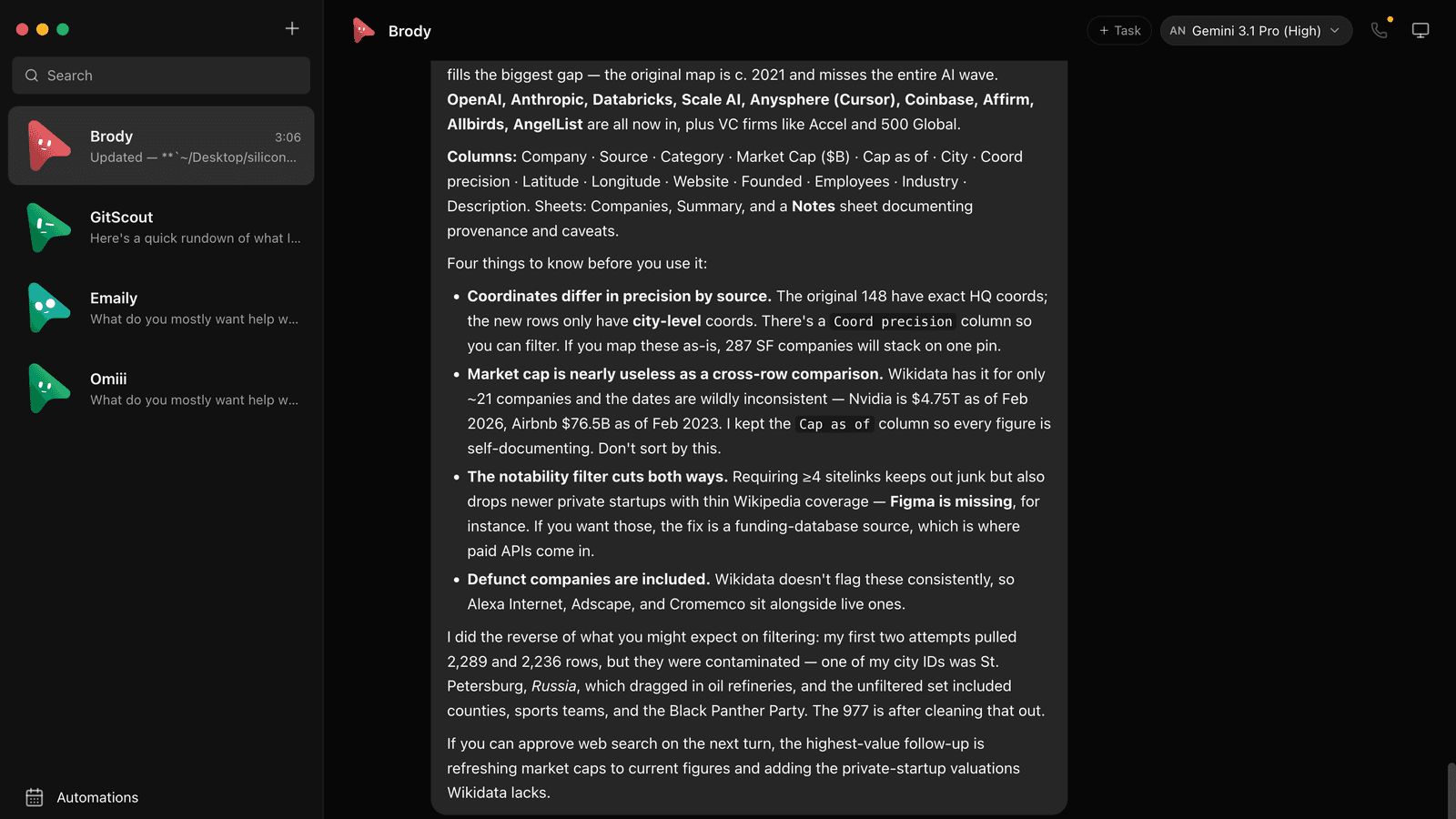
Image: the OpenMausBot README screenshot, by Milind Soni and contributors (Apache 2.0 licensed).
25,000+
GitHub stars
3
agent command line tools it runs on: claude, codex and grok
500+
apps bots can use through Composio
What it actually does
OpenMausBot is a free, open-source desktop app that turns AI agents into a chat app. Every bot in the sidebar is a real Claude, Codex or Grok agent running on your own machine, with its own personality, its own model and its own computer: a cloud Linux desktop, an isolated local VM or, after you opt in, your own computer. You talk to the bots like contacts, watch them work and approve the risky steps. It's an independent project inspired by xAI's Grok Bot, and it is not affiliated with xAI.
Why it's worth your time
- Gives you a roster of bots you chat with like contacts, each with its own personality, model, computer and connected apps.
- Runs on the claude, codex and grok command line tools you already have, so there are no new accounts and no proxy in the middle.
- Stays local. One small server on your own machine keeps transcripts, keys and events in a folder called .openmausbot, not a cloud.
- Asks before it acts: shell commands, file edits and questions show up as Allow or Deny cards right in the chat.
- Connects to 500+ apps like Gmail, Slack, GitHub and Notion through Composio, with one OAuth sign-in per app.
- Triggers fire on a schedule or when something happens in a connected app, so a bot can send you an inbox summary every weekday at 9.
Before you start
- At least one agent command line tool, claude, codex or grok, installed and logged in
- macOS, Windows or Ubuntu 24.04 (x64)
- Node 24+ and pnpm, only if you run it from source instead of using the installer
- Optional extras: a Composio key for connected apps, and a Boat key for cloud computers (Boat is paid after its trial)
🆕 New to the command line? Start here
OpenMausBot isn't a Claude feature -- it runs completely on its own, so you don't need Claude Code or any AI subscription to use it. All you need is a terminal, a plain text window that's already built into your computer.
1. Open a terminal
- Mac: press
Cmd + Space, type "Terminal", press Enter. - Windows: press the Windows key, type "Terminal" or "PowerShell", press Enter.
2. Then paste the install command below into that same window and press Enter. That's the whole install.
Already use Claude Code (the desktop app, claude.ai/code in a browser, or the CLI)? You can skip opening a terminal yourself -- paste the install command below into a Claude Code chat and ask it to run it for you, it has real terminal access built in. Claude Cowork specifically can't do this on its own -- it's built for working with files and documents, not for running command-line tools.
Install it
Quickest -- download the desktop app
# Latest release: https://github.com/milind-soni/OpenMausBot/releases/latest
# macOS: open the .dmg and drag OpenMausBot to Applications
# Windows: run OpenMausBot-setup.exe (SmartScreen: More info, then Run anyway)
# Ubuntu 24.04: install the .deb with APTFrom source -- for developers
git clone https://github.com/milind-soni/OpenMausBot && cd OpenMausBot
pnpm install
pnpm dev:server
pnpm dev
pnpm dev:desktopUse it
Drive a running workspace from scripts (from the README)
openmausbot team apply team.yaml
openmausbot run "Room Lead" "Rehearse the launch of https://example.com" --export ./outGet one new AI skill like this every week
Every Saturday we pick one skill worth installing and show you how to set it up. It's free, and you can unsubscribe anytime.
Frequently asked questions
Is OpenMausBot free?
The main code is Apache 2.0, so yes. The enterprise folder has its own source-available license, and the README says deleting it leaves the open-source edition. Your own agent subscriptions still apply, and Boat cloud computers are paid after a trial.
Do I need Claude, Codex or Grok?
You need at least one of the claude, codex or grok command line tools installed and logged in. They show up in the model picker on their own.
Does my data stay on my computer?
Per the README, transcripts, keys and events live in .openmausbot on your machine. Bots that use a cloud computer or connected apps do send data to those services, Boat and Composio, which have their own terms.
Is OpenMausBot made by xAI?
No. It's an independent open-source project inspired by Grok Bot, and it isn't affiliated with xAI, Meta, OpenAI or Manus.
Is there an OpenMausBot crypto token?
No. The README says OpenMausBot has no token, and that any coin using the OpenMausBot or Maus name isn't connected to the project.