

AI Tools for Design (Fashion/Product/UI-UX) Students
Design programs in Fashion, Product, Graphic, and UI/UX design
In the dynamic world of design, whether you're focused on fashion, product, UI/UX, or graphic design, the need to stay ahead of trends and technology is paramount. Design students often face the challenge of balancing creativity with technical skills, all while preparing for competitive careers. AI tools are revolutionizing this landscape by offering innovative solutions tailored to the academic and professional needs of design students. From streamlining workflows to enhancing creativity, AI tools like ChatGPT and Notion AI are helping students create more efficiently, develop portfolios, and stay updated with industry trends. These tools not only assist in academic tasks such as project management and research but also in real-world applications, enabling students to simulate real design environments, optimize user experiences, and even predict fashion trends. By integrating AI, design students can better prepare for future careers, ensuring their skills remain relevant and innovative in a rapidly evolving industry.
Top Challenges for Design (Fashion/Product/UI-UX) Students
Juggling Creativity and Deadlines
Design students often struggle to balance creative exploration with tight project deadlines, which can stifle innovation and lead to burnout.
Keeping Up with Trends
The design industry is rapidly evolving, and students find it challenging to stay updated with the latest trends and technologies.
Portfolio Development
Building an impressive portfolio is crucial for career success, yet students often lack the guidance and tools to showcase their skills effectively.
Feedback and Iteration
Receiving constructive feedback is essential for growth, but students sometimes struggle to get timely and actionable insights.
Resource Management
Efficiently managing resources such as time, materials, and digital assets can be overwhelming, impacting the quality of work.
How AI Tools Help Design (Fashion/Product/UI-UX) Students
AI tools are transforming how design students approach their education and future careers. For instance, ChatGPT can assist in generating creative concepts and brainstorming sessions, providing instant feedback and new ideas. Notion AI helps in organizing projects and managing deadlines, ensuring students stay on track. Grammarly sharpens communication skills, crucial for pitching design ideas, while Claude offers real-time customer insights for UX design enhancements. GitHub Copilot can automate coding tasks in UI/UX projects, allowing students to focus on design elements. Paperpal aids in research, helping students to stay informed about the latest industry trends. Resume.io simplifies the creation of professional, visually appealing resumes, and Motion automates task scheduling, optimizing time management. Collectively, these tools empower design students to overcome challenges by enhancing creativity, improving efficiency, and ensuring they remain competitive in their field.
Top Recommended Tools
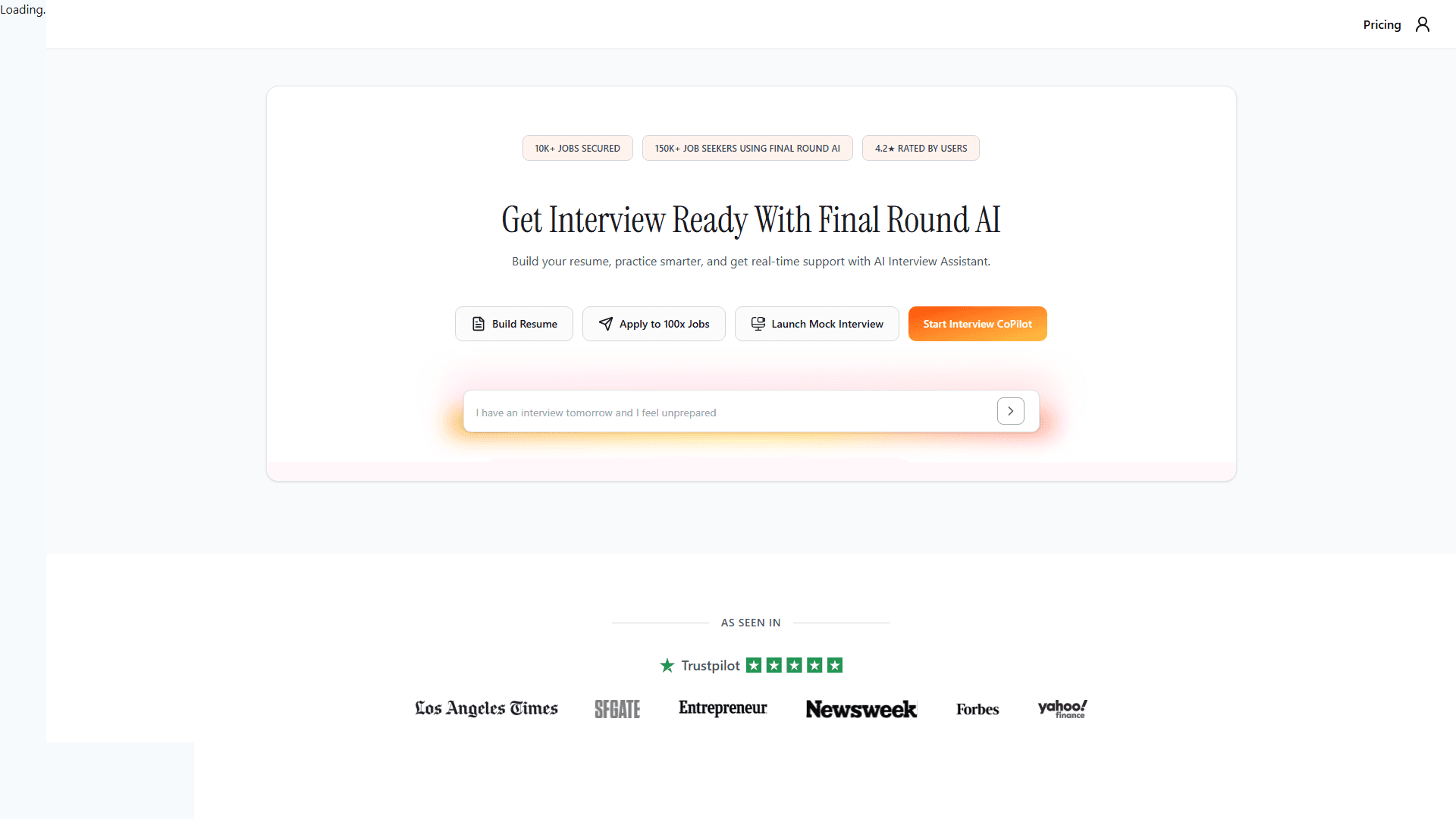
FinalRound AI
AI-powered interview preparation and job application platform with automated job hunting
AI-powered interview preparation and job application platform with automated job hunting. FinalRound AI applies to jobs for you using AI, provides real-time interview guidance, personalized feedback, resume optimization, and comprehensive interview practice. Automate your job search with AI-driven job applications while preparing for interviews with company-specific prep and mock interviews.
Perfect for Design (Fashion/Product/UI-UX) Students
Perfect for preparing for job interviews and landing your dream role
Quick Questions

Sketch
Professional digital design toolkit for UI/UX design - industry standard for design students creating interfaces
For Design (Fashion/Product/UI-UX) Students:
Saves hours of work every week
Key Features:

Adobe XD
Vector-based tool for designing and prototyping user experiences - free for design students with Creative Cloud
For Design (Fashion/Product/UI-UX) Students:
Saves hours of work every week
Key Features:

Framer
Interactive design tool with code components - perfect for design students learning advanced prototyping
For Design (Fashion/Product/UI-UX) Students:
Saves hours of work every week
Key Features:
Popular Use Cases for Design (Fashion/Product/UI-UX)
Find AI tools for your specific needs
Resume & CV Building
Create professional resumes and CVs with AI-powered templates, content suggestions, and formatting
AI Presentation Maker
Create professional presentations with AI-generated slides, content, and design
Concept Visualization
Turn complex ideas into visual diagrams, flowcharts, and infographics
Project & Task Management
Manage academic projects, group assignments, and deadlines with AI assistance
Frequently Asked Questions About AI Tools for Design (Fashion/Product/UI-UX)
Get answers to common questions about using AI in Design (Fashion/Product/UI-UX)
In-Depth AI Guides for Design (Fashion/Product/UI-UX) Students
Research-backed guides to help you get more from AI in your studies.
Ready to Transform Your Design (Fashion/Product/UI-UX) Journey with AI?
Join thousands of Design (Fashion/Product/UI-UX) students already using AI tools to study smarter, work faster, and achieve better results.