
Best Local LLM Models to Run in 2026 (Benchmarks + Use Cases)
The best local LLM models to run on your own hardware in 2026. Covers Llama 3.3, Mistral, Qwen 2.5, Phi-4, DeepSeek R1, and Gemma 3 with real benchmark data.

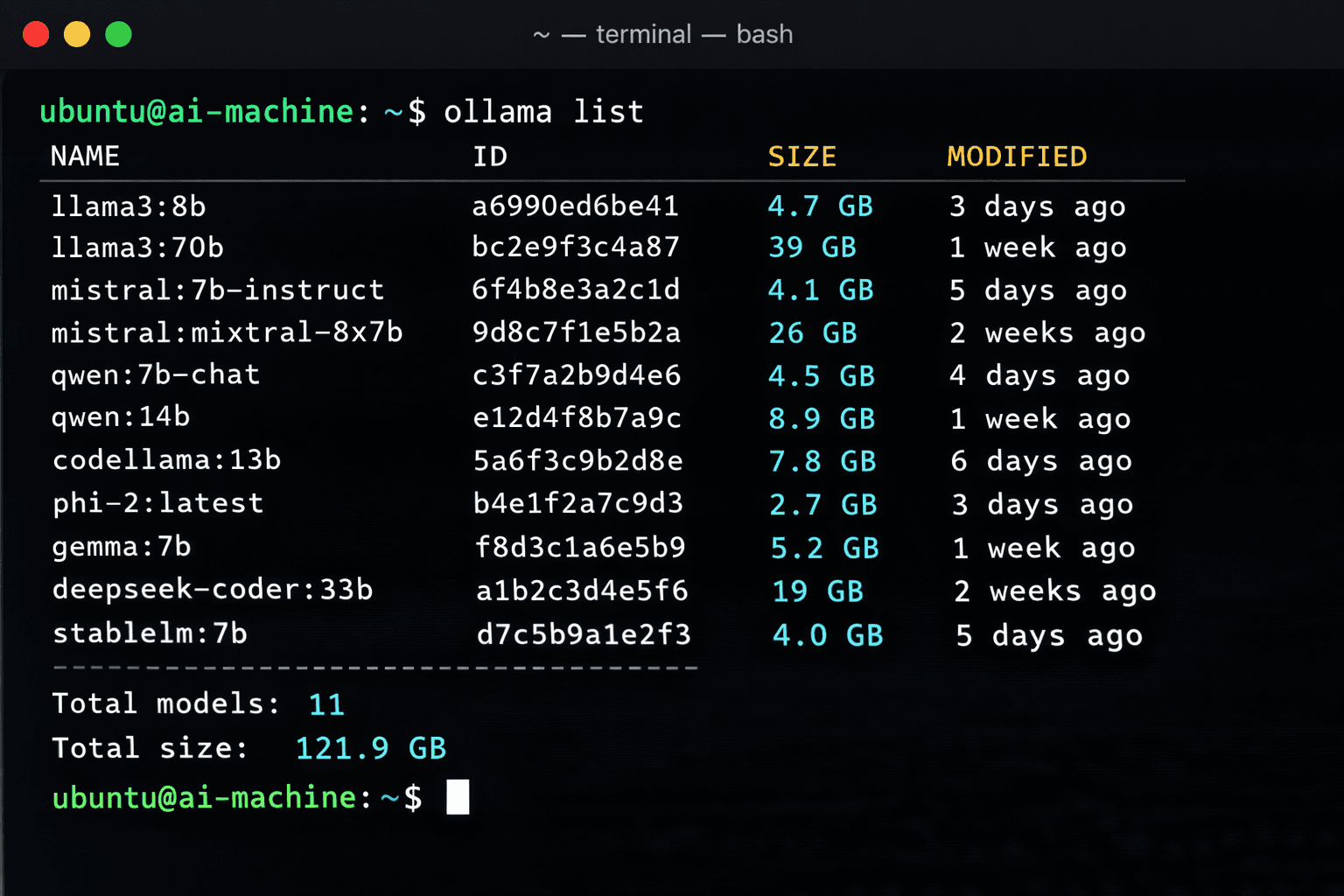
Running an LLM locally means zero API costs, complete data privacy, and no rate limits. The practical question is which model to actually run. In 2026 there are more than 100 quantised models available through Ollama alone, and picking the wrong one wastes time on downloads and slow inference.
This guide cuts through the noise. It covers the six models that consistently rank highest in community benchmarks and real-world use across the most common hardware setups: 8 GB RAM laptops, 16 GB workstations, and machines with a dedicated GPU. Each model entry includes the exact pull command, disk size, minimum RAM, and the specific tasks it handles best.
All models listed here run through Ollama and are available free with no registration or usage limits.
Prerequisites
- Ollama installed on your machine (follow How to Run Ollama Locally first)
- At least 8 GB RAM for 7B-8B models, 16 GB for 13B-14B models
- 5-20 GB free disk space depending on which models you download
- Basic familiarity with running terminal commands
Need a VPS?
Run this on a Contabo Cloud VPS 30 starting at €16.95/mo. Reliable Linux VPS with NVMe storage, ideal for self-hosted AI workloads.
In This Guide
- 1How to Choose the Right Model for Your Hardware
- 2Llama 3.3 8B — Best All-Rounder
- 3Mistral 7B — Best for Speed and Low RAM
- 4Qwen 2.5 14B — Best for Coding and Multilingual
- 5Phi-4 — Best Reasoning per GB of RAM
- 6DeepSeek R1 — Best for Complex Reasoning (High RAM)
- 7Gemma 3 — Best Google Model for Local Use
- 8Full Model Comparison at a Glance
- 9Troubleshooting
- 10FAQ
How to Choose the Right Model for Your Hardware
The two factors that matter most are RAM and use case. A model that fits entirely in RAM runs fast. One that does not spills to disk and becomes unusably slow for interactive use.
| Hardware | RAM | Recommended Model | Why |
|---|---|---|---|
| Budget laptop | 8 GB | Mistral 7B or Llama 3.3 8B | Fits in 8 GB with room for the OS |
| Standard laptop/desktop | 16 GB | Qwen 2.5 14B or Phi-4 | Noticeably smarter, still fast |
| GPU workstation | 8+ GB VRAM | Llama 3.3 8B or Qwen 2.5 14B (GPU) | GPU inference is 10-20x faster than CPU |
| High-RAM server | 32+ GB | DeepSeek R1 32B | Best local reasoning available |
| Cloud VPS | 16-32 GB | Any 8B-14B model | Run 24/7 with a REST API endpoint |
If you are curious why GPU inference beats CPU inference by 10-20x in the table above, the short answer is that GPUs are AI chips: processors built specifically for the parallel matrix math a model needs, not the sequential logic a CPU handles. Our explainer on what AI chips are covers the architecture difference and why even a consumer GPU outperforms a far more expensive CPU for this workload.
Llama 3.3 8B — Best All-Rounder
Llama 3.3 8B from Meta is the most widely recommended starting model in 2026. It handles general conversation, coding assistance, summarisation, and question answering well enough for daily use on 8 GB hardware.
ollama pull llama3.3:8b| Property | Value |
|---|---|
| Size on disk | 4.9 GB |
| RAM required | 8 GB |
| Context window | 128K tokens |
| Licence | Llama 3.3 Community Licence (free for personal and commercial use under 700M users) |
| Best for | General chat, summarisation, basic coding, Q&A |
Why it works well
The 128K context window is large enough to feed in full documents and long conversation histories. Inference speed on CPU is 10-20 tokens/second on a modern laptop, which is fast enough for interactive use.
# Pull and run interactively
ollama run llama3.3:8b

# Or one-shot via the API
curl http://localhost:11434/api/generate -d '{
  "model": "llama3.3:8b",
  "prompt": "Summarise this in 3 bullet points: [your text]",
  "stream": false
}'Running AI models locally?
More local-AI guides like this one, straight to your inbox, every Wednesday and Saturday.
Mistral 7B — Best for Speed and Low RAM
Mistral 7B from Mistral AI is the fastest model at 7-8B scale. It uses less RAM than Llama 3.3 and produces coherent output faster, making it the best choice when response speed matters more than quality.
ollama pull mistral:7b| Property | Value |
|---|---|
| Size on disk | 4.1 GB |
| RAM required | 6-7 GB |
| Context window | 32K tokens |
| Licence | Apache 2.0 (fully open, commercial use allowed) |
| Best for | Fast inference, tight RAM budgets, simple tasks |
Mistral 7B is noticeably faster than Llama 3.3 8B at the same hardware level. If you are building an application where response latency matters, Mistral is the right default.
Qwen 2.5 14B — Best for Coding and Multilingual
Qwen 2.5 from Alibaba Cloud is the top-ranked open model for coding tasks and the best choice for non-English languages. The 14B version sits in a sweet spot between quality and hardware requirements.
# 14B version (16 GB RAM)
ollama pull qwen2.5:14b

# 7B version if you only have 8 GB RAM
ollama pull qwen2.5:7b| Property | Value |
|---|---|
| Size on disk (14B) | 9.0 GB |
| RAM required (14B) | 12-14 GB |
| Context window | 128K tokens |
| Licence | Qwen Licence (free for commercial use under 100M users) |
| Best for | Code generation, multilingual tasks, structured output |
Coding benchmark
On HumanEval (Python code generation), Qwen 2.5 14B scores 72.5%, outperforming Llama 3.3 8B (68.1%) and Mistral 7B (43.6%). For any workflow involving generating or debugging code, Qwen 2.5 is the model to use.
Qwen 2.5 also supports Chinese, Japanese, Korean, Arabic, and 20+ other languages at near-native quality, making it the default choice for non-English content generation.
Phi-4 — Best Reasoning per GB of RAM
Phi-4 from Microsoft is a 14B parameter model that punches well above its weight on reasoning, maths, and logic tasks. It regularly outperforms larger 30B-70B models on structured problem-solving benchmarks while running on 16 GB hardware.
ollama pull phi4| Property | Value |
|---|---|
| Size on disk | 9.1 GB |
| RAM required | 12-14 GB |
| Context window | 16K tokens |
| Licence | MIT (fully open) |
| Best for | Reasoning, maths, logic puzzles, structured analysis |
On MATH benchmark (mathematical problem solving), Phi-4 scores 80.4%, compared to Llama 3.3 8B at 68.0% and Qwen 2.5 14B at 75.6%. For analytical tasks that require step-by-step reasoning, Phi-4 delivers the best results per GB of RAM in 2026.
DeepSeek R1 — Best for Complex Reasoning (High RAM)
DeepSeek R1 is a reasoning-focused model from the Chinese lab DeepSeek. It shows its work through extended chain-of-thought reasoning steps before giving a final answer. For complex technical problems, legal analysis, and multi-step reasoning, it outperforms models many times its published parameter count.
# 7B version — works on 8 GB
ollama pull deepseek-r1:7b

# 14B version — needs 16 GB
ollama pull deepseek-r1:14b

# 32B version — needs 32 GB RAM or 24 GB VRAM
ollama pull deepseek-r1:32b| Version | Disk Size | RAM Required | Best For |
|---|---|---|---|
| 7B | 4.7 GB | 8 GB | Fast reasoning on low RAM |
| 14B | 9.0 GB | 16 GB | Balanced reasoning + speed |
| 32B | 19 GB | 32 GB | Near GPT-5.2 level reasoning locally |
DeepSeek R1 produces visible reasoning tokens (wrapped in `
Gemma 3 — Best Google Model for Local Use
Gemma 3 from Google DeepMind is the most capable Google model available for local deployment. The 12B version offers strong general performance across writing, coding, and reasoning tasks with a 128K context window.
# 4B version — works on 8 GB
ollama pull gemma3:4b

# 12B version — needs 16 GB
ollama pull gemma3:12b| Property | Value |
|---|---|
| Size on disk (12B) | 8.1 GB |
| RAM required (12B) | 12-14 GB |
| Context window | 128K tokens |
| Licence | Gemma Terms of Use (free for research and commercial use) |
| Best for | Writing quality, instruction following, balanced tasks |
Gemma 3 12B produces notably clean and well-structured prose compared to other 12B-scale models. It is a good choice for content writing tasks where output formatting and readability matter.
# Run with a system prompt for structured output
ollama run gemma3:12b
>>> /set system "You are a technical writer. Respond in clear, structured markdown."
>>> Explain how Docker volumes work.Full Model Comparison at a Glance
Use this table to pick a model based on your hardware and primary task.
| Model | Size | Min RAM | Speed | Coding | Reasoning | Languages | Start With |
|---|---|---|---|---|---|---|---|
| Llama 3.3 8B | 4.9 GB | 8 GB | Fast | Good | Good | English | `ollama pull llama3.3:8b` |
| Mistral 7B | 4.1 GB | 6 GB | Fastest | Fair | Fair | English | `ollama pull mistral:7b` |
| Qwen 2.5 14B | 9.0 GB | 14 GB | Medium | Best | Good | 20+ | `ollama pull qwen2.5:14b` |
| Phi-4 | 9.1 GB | 14 GB | Medium | Good | Best/GB | English | `ollama pull phi4` |
| DeepSeek R1 14B | 9.0 GB | 16 GB | Slow | Good | Excellent | English/CN | `ollama pull deepseek-r1:14b` |
| Gemma 3 12B | 8.1 GB | 14 GB | Medium | Good | Good | English | `ollama pull gemma3:12b` |
Quick decision guide
- 8 GB RAM, general use: Llama 3.3 8B
- 8 GB RAM, need speed: Mistral 7B
- 16 GB RAM, coding work: Qwen 2.5 14B or Qwen 2.5 Coder 14B
- 16 GB RAM, analysis/maths: Phi-4
- 16+ GB RAM, complex reasoning: DeepSeek R1 14B
- 16 GB RAM, writing quality: Gemma 3 12B
Troubleshooting
Model runs very slowly (less than 2 tokens/second)
Cause: The model does not fit in RAM and is spilling to disk swap, or GPU acceleration is not active
Fix: Check available RAM with `free -h` (Linux) or Task Manager (Windows). If RAM is full, switch to a smaller model. For GPU: verify with `ollama run [model]` then check `~/.ollama/logs/server.log` for `n_gpu_layers` — if 0, GPU is not being used.
ollama pull fails with "manifest not found"
Cause: The model tag does not exist in the Ollama library, or was typed incorrectly
Fix: Check the exact model name and tag at ollama.com/library. Use `ollama list` to see what you have installed. Note that `llama3.3` and `llama3` are different entries.
Model produces garbled or repetitive output
Cause: The quantisation level may be too aggressive for your use case, or the context is too long
Fix: Try pulling a higher-quality quantisation: append `:q8_0` for 8-bit (e.g., `ollama pull llama3.3:8b-instruct-q8_0`). This uses more RAM but produces better output. Default pulls use Q4_K_M quantisation.
Out of memory error when loading the model
Cause: The model requires more RAM than is available after the OS overhead
Fix: Close other applications to free RAM. On Linux, check with `htop`. Consider using a smaller variant: Mistral 7B (4.1 GB) instead of Qwen 2.5 14B (9 GB). Or run on a Contabo VPS with more RAM.
DeepSeek R1 produces very long responses with XML-like tags
Cause: The `<think>...</think>` output is the chain-of-thought reasoning step — this is expected behaviour, not an error
Fix: This is normal. The thinking section appears before the final answer. If you want to suppress the reasoning output in API usage, post-process the response to strip content between `
Alternatives to Consider
| Tool | Type | Price | Best For |
|---|---|---|---|
| LM Studio | Desktop app | Free | All-in-one GUI for downloading and running models without using the terminal |
| Jan | Desktop app | Free | Open-source ChatGPT alternative with a clean interface and local model support |
| GPT4All | Desktop app | Free | Windows users who want a simple installer and a curated list of compatible models |
| llama.cpp | CLI | Free | Maximum control over quantisation and hardware optimisation without the Ollama abstraction layer |
Frequently Asked Questions
Which local LLM model is best for coding in 2026?
Qwen 2.5 Coder 14B is the top-rated local model for coding in 2026. Pull it with `ollama pull qwen2.5-coder:14b`. It needs 16 GB RAM. If you only have 8 GB, Qwen 2.5 Coder 7B (`ollama pull qwen2.5-coder:7b`) still outperforms Llama 3.3 8B and Mistral 7B on code generation tasks.
On HumanEval benchmarks, Qwen 2.5 Coder 14B scores around 85%, compared to 68% for Llama 3.3 8B. For real-world coding assistance (completing functions, explaining code, generating tests), the quality difference is noticeable.
What is the best local LLM that runs on 8 GB RAM?
Llama 3.3 8B is the best model for 8 GB RAM systems. It needs 4.9 GB on disk and fits in 8 GB RAM with room for the operating system. Pull it with `ollama pull llama3.3:8b`.
Mistral 7B is the alternative if speed matters more than quality — it uses only 4.1 GB on disk and 6-7 GB RAM, making it the fastest option for tight hardware. For coding on 8 GB, Qwen 2.5 7B is the better choice than the base Llama 3.3 8B.
Are local LLM models as good as ChatGPT?
For most practical tasks, the best local 14B models (Qwen 2.5 14B, Phi-4, Gemma 3 12B) reach roughly 80-90% of ChatGPT GPT-5.2 quality. The gap is most noticeable in complex multi-step reasoning and creative writing.
For everyday tasks like code completion, summarisation, drafting emails, and Q&A, a well-chosen local model is good enough that most users cannot tell the difference in a blind test. The main advantages of local models are zero cost, offline use, and privacy — your data never leaves your machine.
How do I update a local LLM model to the latest version?
Pull the model again. Ollama checks for a newer version and downloads it if available:
ollama pull llama3.3:8bIf the model is already at the latest version, Ollama reports "up to date" and no download occurs. To see what versions are available for a model, visit its page at ollama.com/library and check the Tags section.
How much disk space do local LLM models use?
Disk usage depends on model size and quantisation. Typical sizes for the most popular models:
- Mistral 7B: 4.1 GB
- Llama 3.3 8B: 4.9 GB
- Qwen 2.5 14B: 9.0 GB
- Phi-4: 9.1 GB
- DeepSeek R1 14B: 9.0 GB
- Gemma 3 12B: 8.1 GB
- DeepSeek R1 32B: 19 GB
Models are stored in `~/.ollama/models/` on Linux and macOS, and `%USERPROFILE%\.ollama\models` on Windows. Delete unused models with `ollama rm [model-name]`.
Can I run multiple local LLM models at the same time?
Yes, but Ollama only keeps one model loaded in RAM at a time by default. When you switch to a different model, Ollama unloads the previous one. Both models stay on disk.
To run two models simultaneously, you need enough RAM for both. Set the `OLLAMA_MAX_LOADED_MODELS` environment variable to 2 or more. This is useful for A/B testing or for running a fast small model alongside a slower large one for different tasks.
What is quantisation and which quantisation level should I use?
Quantisation reduces the precision of model weights to make models smaller and faster. The default Ollama pull uses Q4_K_M quantisation, which offers a good balance between file size and output quality.
The main levels and their trade-offs:
- Q4_K_M (default): Best balance of size and quality. Recommended for most users.
- Q8_0: Higher quality, roughly double the file size. Use when RAM allows and output quality matters.
- Q2_K: Smallest size, noticeably lower quality. Only use if disk or RAM is severely limited.
To pull a specific quantisation: `ollama pull llama3.3:8b-instruct-q8_0`
Which local model is best for non-English languages?
Qwen 2.5 is the best local model for non-English languages. It supports Chinese, Japanese, Korean, Arabic, Spanish, French, German, Portuguese, and 15+ other languages at near-native quality. Pull with `ollama pull qwen2.5:14b` (16 GB RAM) or `ollama pull qwen2.5:7b` (8 GB RAM).
For European languages specifically, Mistral models also perform well, as Mistral AI trained on large amounts of French, Spanish, Italian, and German text alongside English.
Related Guides
How to Set Up LM Studio: Complete Local LLM Guide (2026)
How to Run Ollama Locally: Complete Setup Guide (2026)
How to Set Up Open-WebUI with Ollama (Docker Guide)
How to Run Gemma 4 on Ollama: Complete Setup Guide (2026)
How to Run GLM 5.2 on Ollama: Cloud Setup Guide (2026)
How to Run Ornith 1.5 on Ollama: Local Setup Guide (2026)
How to Run Ornith 1.0 on Ollama: Local Setup Guide (2026)
How to Run Laguna XS 2.1 on Ollama: Local Setup Guide (2026)