
How to Use Ollama with Python: API Integration Tutorial (2026)
Learn how to use Ollama with Python using the official ollama library and the REST API. Covers streaming, chat history, embeddings, and building a CLI chatbot.

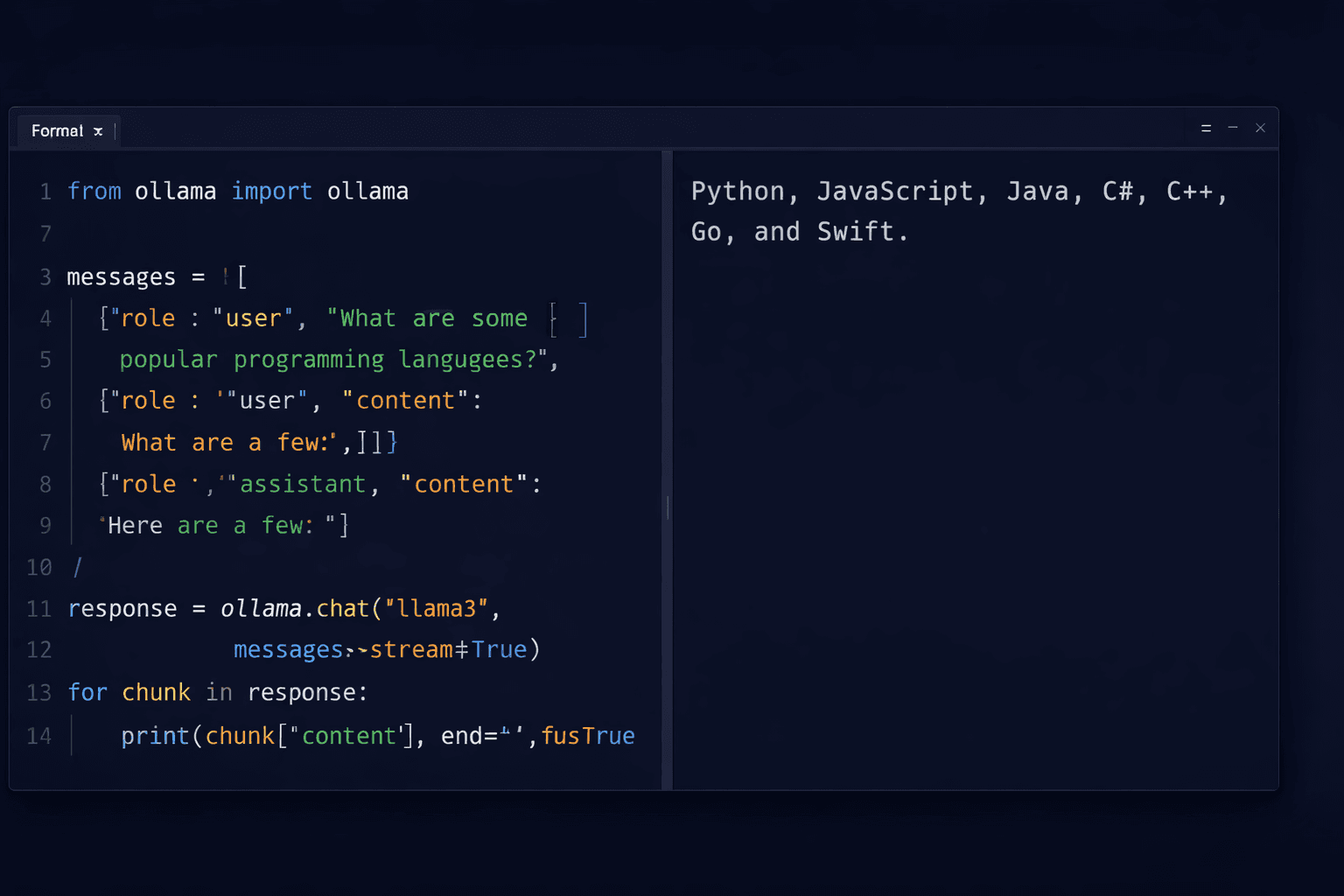
Ollama exposes a local REST API on port 11434 that any language can call. Python has two clean approaches: the official `ollama` library (a thin wrapper around the HTTP API) and direct `requests` or `httpx` calls. Both give you the same functionality — chat completions, streaming, embeddings, and model management — without sending data to any external server.
This guide starts from the basics and moves through practical patterns you will actually use: single-turn generation, multi-turn chat with history, streaming responses, generating embeddings for vector search, and building a simple CLI chatbot. All examples use Ollama running locally. If you have not installed Ollama yet, follow the Ollama setup guide first.
The code examples in this guide work with any model available in the Ollama library. The examples use `llama3.3` but you can substitute `mistral`, `gemma3`, `codellama`, or any other model you have pulled with `ollama pull`.
Prerequisites
- Ollama installed and running (port 11434 accessible)
- At least one model pulled: `ollama pull llama3.3`
- Python 3.9+ installed
- `pip` available for installing the ollama library
- Basic Python knowledge (functions, loops, dictionaries)
In This Guide
Install the Ollama Python Library
The official `ollama` Python library wraps the REST API with a clean interface that mirrors the Ollama CLI commands.
Install it with pip:
pip install ollamaVerify Ollama is running before testing any Python code:
ollama serve &
curl http://localhost:11434
# Expected: Ollama is runningCheck Available Models
List the models you have pulled:
import ollama

models = ollama.list()
for model in models['models']:
print(model['name'], model['size'])Example output:
llama3.3:latest  4.9 GB
mistral:latest   4.1 GB
nomic-embed-text:latest 274 MBBasic Text Generation and Chat
Single-Turn Generation
The simplest use case: send a prompt, get a response.
import ollama

response = ollama.generate(
    model='llama3.3',
    prompt='Explain what a REST API is in two sentences.'
)
print(response['response'])The `generate` function returns a dictionary. The generated text is in `response['response']`. Other useful keys:
| Key | Value |
|---|---|
| `response` | The generated text |
| `model` | Model name used |
| `total_duration` | Total time in nanoseconds |
| `eval_count` | Number of tokens generated |
| `eval_duration` | Time spent on token generation |
Multi-Turn Chat with History
For conversations, use `ollama.chat()` and pass a list of messages. Each message has a `role` (`user` or `assistant`) and `content`:
import ollama

messages = [
    {'role': 'user', 'content': 'What is the capital of France?'},
]

response = ollama.chat(model='llama3.3', messages=messages)
assistant_reply = response['message']['content']
print(assistant_reply)

# Add the reply to history and ask a follow-up
messages.append({'role': 'assistant', 'content': assistant_reply})
messages.append({'role': 'user', 'content': 'What is the population of that city?'})

response = ollama.chat(model='llama3.3', messages=messages)
print(response['message']['content'])The model uses the full message history to understand context. The follow-up question "What is the population of that city?" works because "that city" refers to Paris, which is in the conversation history.
Streaming Responses
Streaming prints tokens as they are generated instead of waiting for the full response. This dramatically improves the perceived response time for longer outputs.
Stream with ollama.chat()
import ollama

stream = ollama.chat(
    model='llama3.3',
    messages=[{'role': 'user', 'content': 'Write a Python function to check if a number is prime.'}],
    stream=True,
)

for chunk in stream:
    print(chunk['message']['content'], end='', flush=True)

print() # newline after streaming completesSet `stream=True` to get a generator. Each `chunk` contains a partial `message['content']`. The `flush=True` forces the output to appear immediately rather than buffering.
Stream with the REST API Directly
If you prefer `requests` over the official library:
import requests
import json

response = requests.post(
    'http://localhost:11434/api/chat',
    json={
        'model': 'llama3.3',
        'messages': [{'role': 'user', 'content': 'What is 15 * 47?'}],
        'stream': True,
    },
    stream=True,
)

for line in response.iter_lines():
    if line:
        chunk = json.loads(line)
        print(chunk['message']['content'], end='', flush=True)
        if chunk.get('done'):
            break

print()The REST API streams newline-delimited JSON. Each line is a JSON object with a `message` key and a `done` boolean that is `true` on the final chunk.
Generating Embeddings for Vector Search
Ollama generates embeddings for use in semantic search, RAG pipelines, and clustering. The best embedding model in Ollama's library is `nomic-embed-text` (274 MB, 768-dimensional vectors).
Pull the Embedding Model
ollama pull nomic-embed-textGenerate an Embedding
import ollama

response = ollama.embeddings(
    model='nomic-embed-text',
    prompt='How do I install Ollama on Ubuntu?',
)
embedding = response['embedding']
print(f"Vector dimensions: {len(embedding)}")
print(f"First 5 values: {embedding[:5]}")Vector dimensions: 768
First 5 values: [-0.024, 0.031, -0.008, 0.017, -0.041]Simple Semantic Similarity Example
import ollama
import numpy as np

def get_embedding(text: str) -> list[float]:
    response = ollama.embeddings(model='nomic-embed-text', prompt=text)
    return response['embedding']

def cosine_similarity(a: list[float], b: list[float]) -> float:
    a, b = np.array(a), np.array(b)
    return float(np.dot(a, b) / (np.linalg.norm(a) * np.linalg.norm(b)))

# Compare semantic similarity
query = "How to run LLMs locally?"
doc1 = "Ollama lets you run large language models on your own hardware."
doc2 = "Python is a popular programming language for data science."

query_emb = get_embedding(query)
score1 = cosine_similarity(query_emb, get_embedding(doc1))
score2 = cosine_similarity(query_emb, get_embedding(doc2))

print(f"Query vs doc1 similarity: {score1:.4f}")  # ~0.87
print(f"Query vs doc2 similarity: {score2:.4f}") # ~0.42Install numpy first: `pip install numpy`.
| Similarity Score | Interpretation |
|---|---|
| 0.90 - 1.00 | Near-identical meaning |
| 0.75 - 0.90 | Highly related |
| 0.50 - 0.75 | Moderately related |
| Below 0.50 | Unrelated |
Build a CLI Chatbot in 30 Lines
Here is a complete command-line chatbot that maintains conversation history, streams responses, and exits cleanly on `/quit` or Ctrl+C:
import ollama

def chat():
    model = 'llama3.3'
    messages = [
        {
            'role': 'system',
            'content': 'You are a helpful assistant. Keep responses concise and direct.',
        }
    ]

    print(f"Chatbot (model: {model}). Type /quit to exit.\n")

    while True:
        try:
            user_input = input("You: ").strip()
        except (KeyboardInterrupt, EOFError):
            print("\nGoodbye!")
            break

        if not user_input:
            continue
        if user_input.lower() == '/quit':
            print("Goodbye!")
            break

        messages.append({'role': 'user', 'content': user_input})

        print("Assistant: ", end='', flush=True)
        full_reply = ''

        stream = ollama.chat(model=model, messages=messages, stream=True)
        for chunk in stream:
            token = chunk['message']['content']
            print(token, end='', flush=True)
            full_reply += token

        print()
        messages.append({'role': 'assistant', 'content': full_reply})

if __name__ == '__main__':
chat()Save as `chatbot.py` and run:
python chatbot.pyThe chatbot maintains a `messages` list throughout the session so it remembers context. Each exchange appends the user message and the full assistant reply. The system prompt keeps responses concise.
Troubleshooting
ConnectionRefusedError: [Errno 111] Connection refused
Cause: Ollama is not running or is listening on a different address
Fix: Start Ollama: `ollama serve` (or `sudo systemctl start ollama` on Linux). Verify: `curl http://localhost:11434`. If Ollama is running on a remote server, set `OLLAMA_HOST` in the ollama library: `ollama.Client(host="http://SERVER_IP:11434")`.
Model "llama3.3" not found
Cause: The model has not been pulled to your local Ollama instance
Fix: Pull the model first: `ollama pull llama3.3`. Check available models: `ollama list`. If you want to use a different model name in the code, match it exactly to the output of `ollama list`.
Generation is very slow (10+ seconds per response)
Cause: Model is running on CPU only — GPU is not being used
Fix: Check if GPU is being used: `ollama run llama3.3` and watch GPU memory usage. For NVIDIA: `nvidia-smi`. If GPU is available but not used, ensure the CUDA toolkit is installed. For ROCm (AMD): install `rocm-smi` and verify Ollama detects the GPU with `ollama ps`.
Streaming chunks arrive as empty strings
Cause: Model finished generating but the loop continues past the `done` signal
Fix: Check for `chunk.get("done") == True` in REST API calls and break the loop. The official ollama library handles this automatically — use `ollama.chat(..., stream=True)` to avoid the issue.
Embeddings return different dimensions than expected
Cause: Using a chat/generation model for embeddings instead of a dedicated embedding model
Fix: Use `nomic-embed-text` (768 dimensions) or `mxbai-embed-large` (1024 dimensions) for embeddings. Run `ollama pull nomic-embed-text` first. Chat models like llama3.3 can technically produce embeddings but the vectors are less useful for similarity search.
Alternatives to Consider
| Tool | Type | Price | Best For |
|---|---|---|---|
| OpenAI Python SDK | Cloud API (Python library) | $0.002-0.06 per 1K tokens | Production applications where latency and quality outweigh cost concerns |
| LangChain with Ollama | Python framework | Free (open source) | Building complex chains, RAG pipelines, and agents on top of local Ollama models |
| LlamaIndex with Ollama | Python framework | Free (open source) | Document ingestion, vector indexing, and query pipelines over private data |
| Groq API | Cloud API | Free tier (generous rate limits) | Developers who want fast cloud inference without managing local hardware |
Frequently Asked Questions
What is the difference between ollama.generate() and ollama.chat()?
`ollama.generate()` takes a single `prompt` string and returns a completion. It does not maintain any conversation context between calls — each call is independent.
`ollama.chat()` takes a list of messages with `role` and `content` fields. It is designed for multi-turn conversations where the model needs to remember previous exchanges. Use `generate` for one-off tasks (summarisation, code generation from a spec) and `chat` for interactive conversations.
How do I connect to an Ollama instance on a remote server from Python?
Use the `ollama.Client` class and pass the host URL:
import ollama
client = ollama.Client(host='http://YOUR_SERVER_IP:11434')
response = client.chat(model='llama3.3', messages=[{'role': 'user', 'content': 'Hello'}])The server must have Ollama running and port 11434 open in its firewall. By default Ollama only listens on localhost. Set `OLLAMA_HOST=0.0.0.0` on the server to accept remote connections.
Can I use Ollama with LangChain in Python?
Yes. LangChain has a built-in `ChatOllama` integration:
from langchain_ollama import ChatOllama
from langchain_core.messages import HumanMessage

llm = ChatOllama(model="llama3.3")
response = llm.invoke([HumanMessage(content="What is LangChain?")])
print(response.content)Install: `pip install langchain-ollama`. This gives you access to the full LangChain ecosystem (chains, agents, RAG pipelines) with your local Ollama models.
How do I set a system prompt with Ollama in Python?
Add a message with `role: "system"` as the first item in the messages list:
messages = [
    {'role': 'system', 'content': 'You are a Python expert. Always include type hints in code examples.'},
    {'role': 'user', 'content': 'Write a function to sort a list of dictionaries by a key.'},
]
response = ollama.chat(model='llama3.3', messages=messages)The system message sets the model's persona and constraints. It applies to the entire conversation and should be the first message in the list.
How do I count tokens for Ollama responses in Python?
The Ollama API response includes token counts in the metadata:
response = ollama.chat(model='llama3.3', messages=[...])
print(f"Prompt tokens: {response['prompt_eval_count']}")
print(f"Response tokens: {response['eval_count']}")
print(f"Total tokens: {response['prompt_eval_count'] + response['eval_count']}")Streaming responses include token counts only in the final chunk where `done` is `True`. For accurate token accounting in streaming mode, capture the final chunk separately.
What is the best embedding model for Ollama in Python?
The two best options are:
- **nomic-embed-text** (274 MB, 768 dimensions) — fast, small, good general-purpose embeddings. Best for most RAG use cases.
- **mxbai-embed-large** (669 MB, 1024 dimensions) — higher quality embeddings, better for precise semantic search, slower than nomic.
Pull with `ollama pull nomic-embed-text` and use `ollama.embeddings(model='nomic-embed-text', prompt='your text')`. Both models are significantly faster than cloud embedding APIs when running on a GPU.