
Tool DiscoveryTool Discovery
AI Tools for Manager

Best AI Tools for Manager 2026

13 professional AI tools designed for Manager. Find the perfect tools to support your workflow and increase productivity.

What are the best AI tools for Manager in 2026?

Manager professionals rely on AI tools to automate repetitive tasks, organize workflows, and support decision-making processes. These tools target specific Manager workflows and professional requirements.

Top 6 verified tools for Manager:

  • Fireflies (Paid): Fireflies is the leading AI for meeting notes, automatically transcribing and summarizing your meetings with powerful automation features. → Learn More
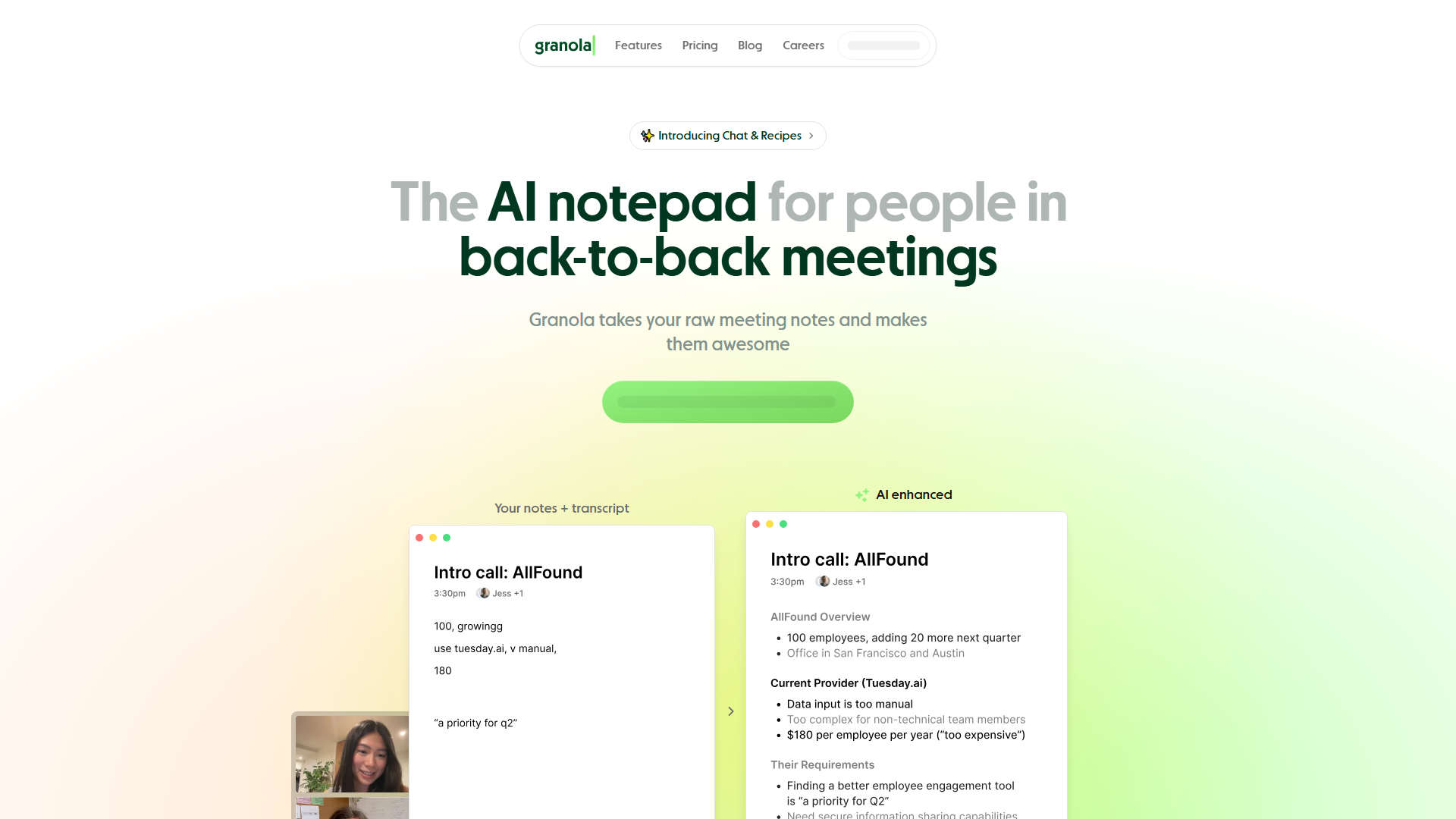
  • Granola (Freemium): Granola is the AI notepad designed for professionals in back-to-back meetings who need efficient, accurate meeting notes without awkward bots. → Learn More
  • Notion (Freemium): Notion is an all-in-one workspace combining notes, databases, wikis, projects, and collaboration tools with AI-powered features for content generation, summarization, and organization. → Learn More
  • Asana (Freemium): Work management platform with task lists, timelines, calendars, and workflow automation. → Learn More
  • Monday.com (Paid): Monday. → Learn More
  • ClickUp (Freemium): All-in-one productivity platform with tasks, docs, goals, and customizable views. → Learn More

How do Manager professionals use AI tools to save time?

You save 5-15 hours per week when you automate tasks with AI tools:

Automation Opportunities

  • • Automate repetitive data entry and processing
  • • Configure automated report generation
  • • Organize communication and email workflows
  • • Support research and information gathering

Workflow Integration

  • • Connect AI tools with your existing software
  • • Configure task automation and scheduling
  • • Organize team collaboration workflows
  • • Support decision-making with data analysis

What categories of AI tools do Manager professionals need?

Manager professionals work with 7 different categories of AI tools:

AI Assistant

2 tools available

AI Business

3 tools available

AI Productivity

4 tools available

All-in-One Transcription + Summaries (Apple)

1 tools available

Audio

1 tools available

Productivity

1 tools available

Text

1 tools available

How much do AI tools for Manager cost?

Free Options: 0 tools offer completely free plans with core features for individual Manager professionals.

Freemium Options: 10 tools provide free tiers with optional paid upgrades for teams.

Professional Plans: Most tools cost $10-$50 per month for individual professionals and $50-$200 per month for team plans with collaboration features.

AI Assistant Tools for Manager (2)

ChatGPT logo

ChatGPT

AI Assistant

ChatGPT is OpenAI's conversational AI assistant powered by GPT-4, providing human-like responses for writing, coding, research, problem-solving, and creative tasks. With 180+ million users, it understands context, generates code, analyzes data, and assists with content creation across unlimited conversations, making advanced AI accessible for professionals, students, and businesses worldwide.

Natural language conversationsCode generation and debuggingContent writing and editing
Free tier available, Plus at $20/month
Claude logo

Claude

AI Assistant

Claude is Anthropic's AI assistant emphasizing safety, accuracy, and nuanced reasoning for complex tasks including writing, analysis, coding, and research. Supporting 200K token context windows, Claude excels at processing long documents, maintaining conversational memory, and providing detailed explanations while prioritizing ethical AI use and minimizing harmful outputs for enterprise and professional applications.

200K token context windowAdvanced analysis and reasoningCode generation and review
Free tier available, Pro at $20/month

AI Business Tools for Manager (3)

Microsoft Teams logo

Microsoft Teams

AI Business

Verified

Microsoft Teams is a powerful collaboration platform that enhances communication and teamwork within organizations. With seamless integration into Microsoft 365, it empowers users to chat, hold virtual meetings, and share files effortlessly, making it essential for remote and hybrid work settings.

Supports virtual meetings with video integrationOffers team channels and direct messaging for effective communicationIntegration with SharePoint and OneDrive for easy file access and collaboration
Free tier available, Premium starts at $8/user/month
Slack logo

Slack

AI Business

Verified

Team communication platform with channels, direct messaging, file sharing, and integrations with over 2,000 apps.

Organized channels for team communicationDirect messaging and group conversationsFile sharing and search
Free tier available, Pro starts at $8/user/month
Zoom logo

Zoom

AI Business

Verified

Zoom is a leading video conferencing platform that enables seamless communication and collaboration with its user-friendly interface and rich features. Its combination of HD video, screen sharing, and breakout rooms makes it the preferred choice for businesses, schools, and individuals seeking reliable virtual connectivity.

HD Video Conferencing for clear, professional meetingsScreen Sharing for presentations and collaborative workMeeting Recording for future reference or sharing
Free tier (40min limit), Pro starts at $15.99/month

AI Productivity Tools for Manager (4)

Asana logo

Asana

AI Productivity

Verified

Work management platform with task lists, timelines, calendars, and workflow automation.

Task and project managementTimeline and Gantt chartsWorkflow automation
Free tier available, Premium starts at $10.99/user/month
ClickUp logo

ClickUp

AI Productivity

Verified

All-in-one productivity platform with tasks, docs, goals, and customizable views.

Tasks, docs, and wikisMultiple views (List, Board, Calendar)Time tracking and goals
Free tier available, Unlimited starts at $7/user/month
Trello logo

Trello

AI Productivity

Verified

Trello is a versatile project management tool that empowers teams to organize tasks and collaborate seamlessly through visually intuitive kanban boards. With its array of productivity features and customizations, Trello helps users strategize, prioritize, and efficiently track their progress, making it essential for managing projects of any size.

Organize tasks with powerful visual tools like Inbox, Boards, and PlannerTransform emails into tasks for effective communication integrationAutomate repetitive processes with built-in no-code automation
Free tier available, Standard starts at $5/user/month
Monday.com logo

Monday.com

AI Productivity

Verified

Monday.com is a versatile work operating system that empowers teams to create and streamline their workflows with ease. With customizable workflows and AI-driven assistance, it enhances efficiency and collaboration across various projects and tasks.

Customizable Workflows: Tailor workflows to fit any project type.AI Assistants: AI-driven tools for enhanced productivity.Visual Project Tracking: Multiple views for monitoring project progress visually.
Free trial, Basic starts at $8/user/month

All-in-One Transcription + Summaries (Apple) Tools for Manager (1)

Granola logo

Granola

All-in-One Transcription + Summaries (Apple)

FEATURED

Granola is the AI notepad designed for professionals in back-to-back meetings who need efficient, accurate meeting notes without awkward bots. By capturing audio directly from your device and combining real-time transcription with your own notes, Granola creates enhanced meeting summaries with action items and follow-ups, making it invaluable for consultants, managers, and busy professionals who need to stay organized across countless meetings.

Audio Capture: Records meetings for accurate transcription without awkward bots.AI Transcription: Converts spoken content into written text automatically in real-time.Smart Summarization: Condenses notes into key points, action items, and follow-ups.
Freemium

Audio Tools for Manager (1)

Fireflies logo
FEATURED

Fireflies is the leading AI for meeting notes, automatically transcribing and summarizing your meetings with powerful automation features. This AI-powered platform transforms meeting audio into searchable, shareable notes with seamless integration for Zoom, Google Meet, and Microsoft Teams, enhancing collaboration and efficiency for remote teams.

Automatic transcription of meeting audioIntegration with popular conferencing tools like ZoomSearchable meeting notes and highlights
Custom pricing

Productivity Tools for Manager (1)

Notion logo

Notion

Productivity

Notion is an all-in-one workspace combining notes, databases, wikis, projects, and collaboration tools with AI-powered features for content generation, summarization, and organization. Serving 35+ million users, it enables teams to centralize knowledge, manage projects, track tasks, and automate workflows through customizable pages, databases, and AI assistance.

AI-Powered Writing & SummarizationTask & Project ManagementDatabase Management
Free for personal, Plus at $10/user/month

Text Tools for Manager (1)

Grammarly is an AI-powered writing assistant providing real-time grammar, spelling, punctuation, clarity, and style suggestions across 500,000+ apps and websites. Using advanced NLP, it detects errors, improves tone, checks plagiarism, and offers rewriting suggestions for emails, documents, social media, helping 30+ million users communicate more effectively professionally.

Automated detection and correction of grammatical errors and typos.Suggestions for enhancing writing style and tone.Enhances readability and conciseness.
Custom pricing

All 13 AI Tools for Manager

Asana logo

Asana

AI Productivity

Verified

Work management platform with task lists, timelines, calendars, and workflow automation.

Task and project managementTimeline and Gantt chartsWorkflow automation
Free tier available, Premium starts at $10.99/user/month
ClickUp logo

ClickUp

AI Productivity

Verified

All-in-one productivity platform with tasks, docs, goals, and customizable views.

Tasks, docs, and wikisMultiple views (List, Board, Calendar)Time tracking and goals
Free tier available, Unlimited starts at $7/user/month
Microsoft Teams logo

Microsoft Teams

AI Business

Verified

Microsoft Teams is a powerful collaboration platform that enhances communication and teamwork within organizations. With seamless integration into Microsoft 365, it empowers users to chat, hold virtual meetings, and share files effortlessly, making it essential for remote and hybrid work settings.

Supports virtual meetings with video integrationOffers team channels and direct messaging for effective communicationIntegration with SharePoint and OneDrive for easy file access and collaboration
Free tier available, Premium starts at $8/user/month
Slack logo

Slack

AI Business

Verified

Team communication platform with channels, direct messaging, file sharing, and integrations with over 2,000 apps.

Organized channels for team communicationDirect messaging and group conversationsFile sharing and search
Free tier available, Pro starts at $8/user/month
Trello logo

Trello

AI Productivity

Verified

Trello is a versatile project management tool that empowers teams to organize tasks and collaborate seamlessly through visually intuitive kanban boards. With its array of productivity features and customizations, Trello helps users strategize, prioritize, and efficiently track their progress, making it essential for managing projects of any size.

Organize tasks with powerful visual tools like Inbox, Boards, and PlannerTransform emails into tasks for effective communication integrationAutomate repetitive processes with built-in no-code automation
Free tier available, Standard starts at $5/user/month
Zoom logo

Zoom

AI Business

Verified

Zoom is a leading video conferencing platform that enables seamless communication and collaboration with its user-friendly interface and rich features. Its combination of HD video, screen sharing, and breakout rooms makes it the preferred choice for businesses, schools, and individuals seeking reliable virtual connectivity.

HD Video Conferencing for clear, professional meetingsScreen Sharing for presentations and collaborative workMeeting Recording for future reference or sharing
Free tier (40min limit), Pro starts at $15.99/month

Showing 6 of 13 tools

Explore Tools by Use Case

View all use cases →

Popular Tool Comparisons

View all comparisons →