
How to Run DeepSeek R1 Locally with Ollama (2026 Guide)
Run DeepSeek R1 locally using Ollama on Linux, macOS, or a VPS. Model size comparison, RAM requirements, and step-by-step setup for R1 7B through 70B.

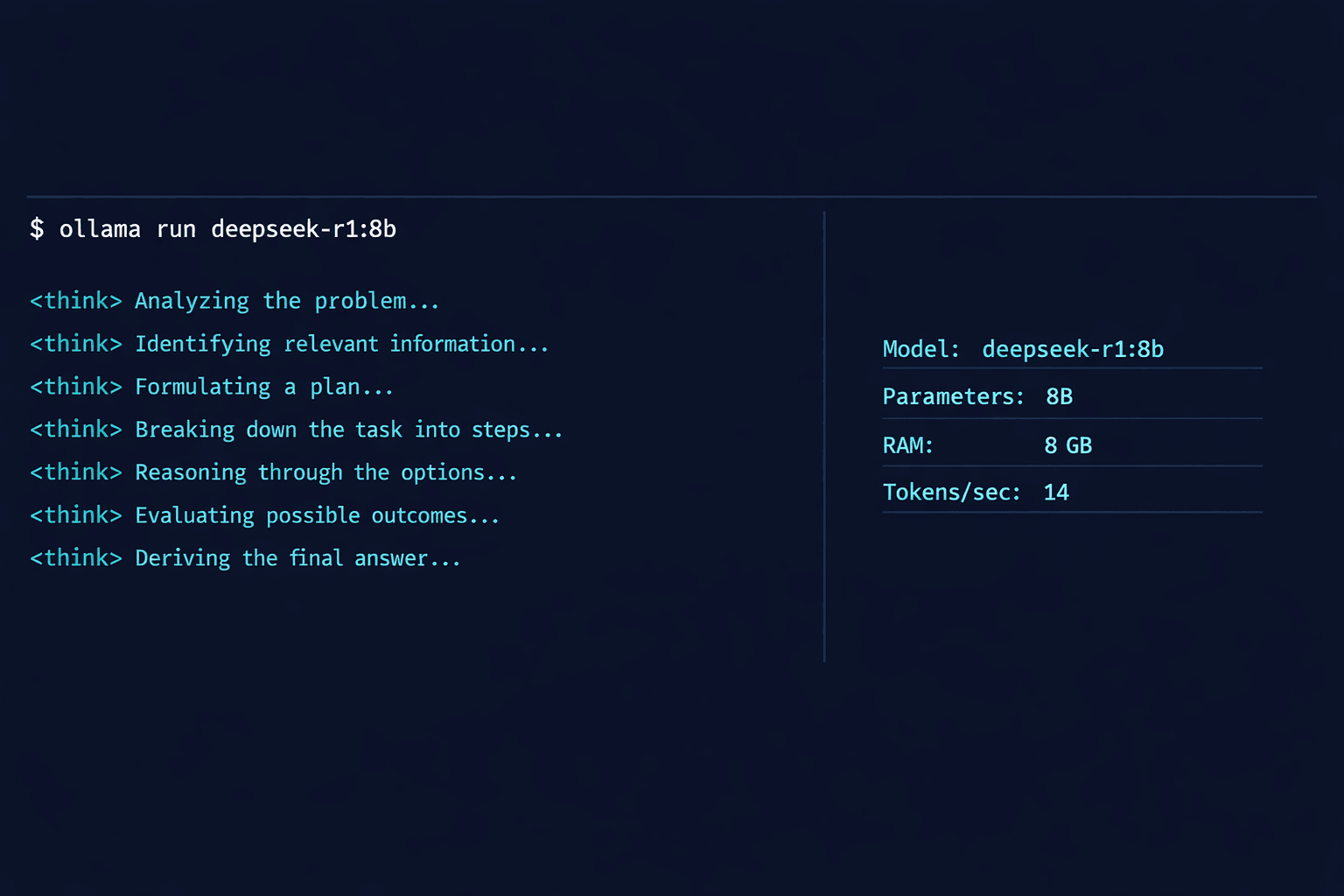
DeepSeek R1 is a reasoning model released by Chinese AI lab DeepSeek in January 2026. It uses chain-of-thought reasoning, producing a visible thinking process before its final answer. On math, coding, and logic benchmarks, R1 matches or exceeds OpenAI o1 at a fraction of the inference cost. The model is fully open-weight and available to run on your own hardware.
This guide covers running DeepSeek R1 locally using Ollama. You will choose the right model size for your hardware, pull the model, run inference from the command line, access the REST API, and optionally connect a web interface. The guide covers R1 variants from the 1.5B parameter distillation (runs on 4 GB RAM) through the 70B full model (requires 48 GB RAM or a high-VRAM GPU).
For users who want DeepSeek R1 on a cloud server without local hardware requirements, Contabo Cloud VPS 40 provides 48 GB RAM at €30.25/month, which is enough to run R1 32B comfortably. The 70B model requires 64+ GB RAM — Contabo Cloud VPS 50 at €37.00/month covers that.
Prerequisites
- Linux (Ubuntu 20.04+), macOS 12+, or Windows 10 with WSL2
- RAM requirement varies by model size — see the model comparison table in this guide
- 10-60 GB free disk space depending on model variant
- Ollama 0.6.x or higher (installation covered in this guide)
- (Optional) NVIDIA GPU with 8+ GB VRAM for hardware-accelerated inference
Need a VPS?
Run this on a Contabo Cloud VPS 40 starting at €30.25/mo. Reliable Linux VPS with NVMe storage, ideal for self-hosted AI workloads.
In This Guide
What DeepSeek R1 Is and How It Differs from Standard LLMs
DeepSeek R1 is a reasoning model, not a standard autoregressive language model. The difference is the inference process: R1 generates a step-by-step thinking chain (wrapped in `
DeepSeek trained R1 using reinforcement learning from its own generated reasoning traces, without relying on supervised fine-tuning on human-labelled reasoning data. The full R1 model has 671 billion parameters with a Mixture-of-Experts (MoE) architecture, but DeepSeek also released distilled versions based on Llama 3 and Qwen 2.5 backbones. These are the versions most practical to run locally.
DeepSeek R1 variants available on Ollama (as of March 2026):
| Model | Parameters | Architecture | RAM Required | Disk Size | Best For |
|---|---|---|---|---|---|
| deepseek-r1:1.5b | 1.5B | Qwen 2.5 distill | 2 GB | 1.1 GB | Testing, low-RAM devices |
| deepseek-r1:7b | 7B | Qwen 2.5 distill | 8 GB | 4.7 GB | General use, good balance |
| deepseek-r1:8b | 8B | Llama 3 distill | 8 GB | 4.9 GB | Coding tasks, instruction following |
| deepseek-r1:14b | 14B | Qwen 2.5 distill | 16 GB | 9.0 GB | Better reasoning, 16 GB RAM machines |
| deepseek-r1:32b | 32B | Qwen 2.5 distill | 32 GB | 20 GB | High-quality reasoning, 32 GB servers |
| deepseek-r1:70b | 70B | Llama 3 distill | 48 GB | 43 GB | Near-full R1 quality |
| deepseek-r1:671b | 671B | MoE (full model) | 400+ GB | 404 GB | Research / multi-GPU clusters only |
The distilled models (1.5B through 70B) are trained to replicate R1's reasoning behaviour in smaller dense architectures. They retain most of R1's reasoning improvement over standard Llama and Qwen models while running on consumer hardware.
Install Ollama
Ollama is the runtime that manages DeepSeek R1 model files and handles inference. Install it on your local machine or VPS.
Linux and macOS
# One-command installer
curl -fsSL https://ollama.com/install.sh | shVerify installation:
ollama --version
# Expected: ollama version 0.6.xOn Linux, the installer creates a systemd service. Check it is active:
systemctl status ollama
# Expected: active (running)Windows (WSL2)
Install Ubuntu via WSL2, then run the Linux installer inside the WSL2 terminal. Ollama on Windows also has a native installer available at ollama.com/download — download the `.exe` file, run it, and verify in PowerShell:
ollama --versionDocker (for VPS deployments)
# Pull and run Ollama in a container with model persistence
docker run -d \
  -v ollama:/root/.ollama \
  -p 11434:11434 \
  --name ollama \
ollama/ollamaChoose Your Model Size and Pull It
Choose the largest model your RAM supports. Larger models produce significantly better reasoning output on complex tasks.
Quick decision guide:
- 8 GB RAM: use `deepseek-r1:7b` or `deepseek-r1:8b`
- 16 GB RAM: use `deepseek-r1:14b`
- 32 GB RAM: use `deepseek-r1:32b`
- 48 GB RAM: use `deepseek-r1:70b`
Check your available RAM before pulling:
# Linux
free -h

# macOS
vm_stat | grep "Pages free"

# Example output (Linux, 32 GB machine):
# total        used        free
# Mem: 31Gi 4.2Gi 27GiPull the model (example: 14B variant):
ollama pull deepseek-r1:14b

# Expected output:
# pulling manifest
# pulling 6e9f90f02bb3...  100% ████████ 9.0 GB / 9.0 GB
# pulling 11ce4ee3e170...  100% ████████ 1.8 KB / 1.8 KB
# successDownload times vary by connection speed. The 14B model (9 GB) takes approximately 8 minutes on a 150 Mbps connection.
After the pull completes, confirm the model is available:
ollama list

# Expected output:
# NAME                    ID              SIZE    MODIFIED
# deepseek-r1:14b ea35dfe18182 9.0 GB 2 minutes agoRun Your First Inference
Interactive CLI Session
Start an interactive session directly in the terminal:
ollama run deepseek-r1:14bAfter the model loads (10-20 seconds on first run), type a prompt:
>>> Solve this step by step: A train travels 120 km at 60 km/h, then 80 km at 40 km/h. What is the average speed for the entire journey?DeepSeek R1 generates a visible reasoning block before the final answer:
<think>
To find average speed, I need total distance divided by total time.

Total distance = 120 km + 80 km = 200 km

Time for first leg = 120 km / 60 km/h = 2 hours
Time for second leg = 80 km / 40 km/h = 2 hours
Total time = 4 hours

Average speed = 200 km / 4 hours = 50 km/h
</think>

The average speed for the entire journey is 50 km/h.

Here is the calculation:
- Leg 1: 120 km at 60 km/h = 2 hours
- Leg 2: 80 km at 40 km/h = 2 hours
- Total: 200 km in 4 hours = 50 km/hThe `
Exit the interactive session:
>>> /byeSingle-Shot Inference (Non-Interactive)
ollama run deepseek-r1:14b "What is the time complexity of merge sort and why?"Check Inference Speed
After running a prompt, Ollama prints performance stats:
eval count:    312 token(s)
eval duration: 22.4s
eval rate: 13.9 tokens/sOn CPU-only inference with the 14B model: expect 8-15 tokens/second on a 4-core VPS. With an NVIDIA GPU: 40-120 tokens/second depending on VRAM.
Use the Ollama REST API
Ollama exposes a REST API at `http://localhost:11434` and an OpenAI-compatible endpoint at `http://localhost:11434/v1`. Both work for DeepSeek R1.
Native Ollama API
curl http://localhost:11434/api/generate \
  -H "Content-Type: application/json" \
  -d '{
    "model": "deepseek-r1:14b",
    "prompt": "Explain how quicksort works in three sentences.",
    "stream": false
}'The response JSON includes the reasoning trace in the `response` field, along with token counts and timing:
{
  "model": "deepseek-r1:14b",
  "response": "<think>
Quicksort works by...
</think>

Quicksort is a divide-and-conquer algorithm...",
  "done": true,
  "eval_count": 198,
  "eval_duration": 14200000000
}OpenAI-Compatible API
Applications built for the OpenAI API work with Ollama's compatible endpoint:
curl http://localhost:11434/v1/chat/completions \
  -H "Content-Type: application/json" \
  -H "Authorization: Bearer ollama" \
  -d '{
    "model": "deepseek-r1:14b",
    "messages": [
      {"role": "user", "content": "Write a Python function to find all prime numbers up to n using the Sieve of Eratosthenes."}
    ]
}'Stripping the Think Block from API Responses
If your application only needs the final answer (not the reasoning trace), filter the response with a simple Python snippet:
import re

def strip_think(response: str) -> str:
    """Remove DeepSeek R1 <think>...</think> block from response."""
    return re.sub(r'<think>.*?</think>', '', response, flags=re.DOTALL).strip()

# Example usage
raw = "<think>\nLet me work through this...\n</think>\n\nThe answer is 42."
clean = strip_think(raw)
print(clean)
# Output: The answer is 42.Connect Open-WebUI for a Chat Interface
Open-WebUI gives DeepSeek R1 a ChatGPT-style browser interface, including support for rendering the `
Quick Start with Docker
docker run -d \
  -p 3000:8080 \
  -e OLLAMA_BASE_URL=http://host.docker.internal:11434 \
  -v open-webui:/app/backend/data \
  --name open-webui \
ghcr.io/open-webui/open-webui:mainOpen `http://localhost:3000` in your browser. Select `deepseek-r1:14b` from the model dropdown. Open-WebUI renders the `
For a detailed Open-WebUI setup guide, see How to Set Up Open-WebUI with Ollama.
Enable GPU Acceleration
GPU inference reduces response time from 10-15 tokens/second (CPU) to 40-120 tokens/second (GPU), depending on the model size and GPU VRAM.
NVIDIA GPU (CUDA)
Ollama detects NVIDIA GPUs automatically on Linux when the NVIDIA CUDA Toolkit is installed. Verify GPU detection:
ollama run deepseek-r1:14b "Hello"

# Check GPU usage in a second terminal:
nvidia-smi

# Expected: Python or ollama process using GPU memoryIf Ollama is not using the GPU, install the CUDA toolkit:
# Ubuntu 22.04
sudo apt install nvidia-cuda-toolkitPartial GPU Offloading (Mixed CPU + GPU)
If the model does not fully fit in VRAM, Ollama offloads as many layers as possible to the GPU and runs the rest on CPU. This is automatic. For the 14B model (9 GB) on a GPU with 8 GB VRAM, Ollama offloads approximately 28 of 40 layers to the GPU, resulting in 25-35 tokens/second instead of the full-GPU 60+ tokens/second.
Check how many layers are GPU-offloaded by reviewing the Ollama server log:
journalctl -u ollama -f | grep "offload"

# Example output:
# llama_new_context_with_model: n_ctx      = 16384
# llm_load_tensors: offloading 28 repeating layers to GPU
# llm_load_tensors: offloaded 28/41 layers to GPUApple Silicon (Metal)
On Apple Silicon Macs, Ollama uses the Metal GPU framework automatically. No configuration is required — install Ollama and pull the model as normal. The M2 Pro with 16 GB unified memory runs deepseek-r1:14b at approximately 20-30 tokens/second.
Ollama Configuration for DeepSeek R1
Ollama's behaviour is controlled via environment variables set before starting the service.
| Variable | Default | Purpose |
|---|---|---|
| `OLLAMA_HOST` | `127.0.0.1:11434` | Set to `0.0.0.0:11434` to accept connections from other machines |
| `OLLAMA_MODELS` | `~/.ollama/models` | Custom path for model storage (useful if /home is small) |
| `OLLAMA_NUM_PARALLEL` | `1` | Number of simultaneous inference requests |
| `OLLAMA_MAX_LOADED_MODELS` | `1` | Maximum models kept in memory at once |
| `OLLAMA_KEEP_ALIVE` | `5m` | How long to keep a model in memory after last use |
| `OLLAMA_FLASH_ATTENTION` | `0` | Set to `1` to enable Flash Attention (reduces VRAM use) |
Set Variables on Linux (systemd)
sudo systemctl edit ollamaAdd to the override file:
[Service]
Environment="OLLAMA_HOST=0.0.0.0:11434"
Environment="OLLAMA_KEEP_ALIVE=10m"
Environment="OLLAMA_FLASH_ATTENTION=1"Restart the service:
sudo systemctl restart ollamaTroubleshooting
Model pull fails mid-download with "context deadline exceeded"
Cause: Network timeout during large model download — common with 14B+ models over slow or unstable connections
Fix: Run `ollama pull deepseek-r1:14b` again. Ollama resumes incomplete downloads from where it left off using the cached partial file. No need to restart from the beginning.
Inference is extremely slow (under 3 tokens/second)
Cause: Model does not fit in RAM — system is using swap memory for inference
Fix: Check RAM usage: `free -h`. If swap is active, switch to a smaller model variant. deepseek-r1:7b requires 8 GB RAM. deepseek-r1:1.5b requires only 2 GB. Alternatively, add more RAM or upgrade to a VPS with more memory.
CUDA out of memory error when loading model
Cause: GPU VRAM is insufficient for the selected model size
Fix: Enable Flash Attention: set `OLLAMA_FLASH_ATTENTION=1`. If the error persists, switch to a smaller model. Ollama automatically does partial GPU offloading — if the full model does not fit in VRAM, it loads what it can on GPU and the rest on CPU.
The <think> block is very long (1000+ tokens) before answering
Cause: R1 over-thinks simple prompts — the reasoning model explores multiple paths even for trivial questions
Fix: Add "Answer directly." or "Be concise." to the prompt. This reduces think block length significantly. For tasks that do not benefit from reasoning (simple factual questions), standard Llama or Qwen models are faster.
API returns 404 on `http://localhost:11434/v1/chat/completions`
Cause: Ollama version is older than 0.1.24 — the OpenAI-compatible endpoint was added in that version
Fix: Update Ollama: `curl -fsSL https://ollama.com/install.sh | sh` — the installer updates an existing installation. Verify with `ollama --version` after update.
Model loads on first run but subsequent runs start from scratch
Cause: OLLAMA_KEEP_ALIVE is set too low, unloading the model between requests
Fix: Increase keep-alive: set `OLLAMA_KEEP_ALIVE=30m` or `-1` to keep the model loaded indefinitely. Edit the systemd override file and restart the service.
Alternatives to Consider
| Tool | Type | Price | Best For |
|---|---|---|---|
| LM Studio | Desktop app | Free | Windows and macOS users who prefer a GUI over a CLI. Supports DeepSeek R1 GGUF models directly. Easier for beginners but less flexible for server deployments. |
| Jan | Desktop app | Free / open-source | A privacy-focused Electron app for running local models. Supports DeepSeek R1 via GGUF. Good for personal use on desktop, not suited for server or API deployments. |
| llama.cpp (direct) | CLI | Free / open-source | Maximum control and performance tuning. Ollama uses llama.cpp internally — running llama.cpp directly removes the Ollama abstraction layer. Suitable for developers who need custom quantisation or build options. |
| Together AI (DeepSeek R1 API) | Cloud | $0.18 per 1M tokens (input) | Running R1 70B or the full 671B model without local hardware. Together AI hosts DeepSeek R1 and offers an OpenAI-compatible API. Cost-effective for low-volume usage compared to running a high-RAM VPS. |
Frequently Asked Questions
What is the minimum RAM to run DeepSeek R1 locally?
The smallest DeepSeek R1 variant — deepseek-r1:1.5b — requires approximately 2 GB of RAM. It is a 1.5 billion parameter distillation of the full R1 model, trained on Qwen 2.5. Reasoning quality is noticeably lower than the larger variants, but it runs on almost any machine and is useful for testing the R1 setup before committing to a larger model.
For practical everyday use, the 7B or 8B variants are the recommended minimum — these require 8 GB RAM and produce reasoning output that is meaningfully better than standard (non-reasoning) LLMs of similar size.
Is DeepSeek R1 safe to run locally — are there privacy concerns?
Running DeepSeek R1 locally via Ollama means all inference happens on your hardware. No prompts, responses, or data leave your machine. There are no telemetry calls from the Ollama runtime or the model files themselves.
The privacy concern around DeepSeek relates to their cloud API and web interface (chat.deepseek.com), which is subject to Chinese data law and DeepSeek's privacy policy. When you run the open-weight model locally through Ollama, you are using the model weights only — there is no connection to DeepSeek's servers.
How does DeepSeek R1 compare to GPT-4o for coding tasks?
On standard coding benchmarks (HumanEval, SWE-Bench), DeepSeek R1 distillations perform competitively with GPT-4o, and the 70B variant exceeds GPT-4o on several benchmarks. The reasoning chain is particularly useful for debugging and algorithm design, where seeing the step-by-step problem decomposition helps verify correctness.
In practice, R1's advantage is most visible on problems that require multi-step reasoning: algorithm optimisation, debugging logic errors, and mathematical proof-writing. For simple code completion tasks (writing a function from a clear specification), standard models like Llama 3.3 8B are faster and comparable in quality.
Can I use DeepSeek R1 as the backend for n8n or other automation tools?
Yes. Ollama exposes an OpenAI-compatible API at `http://localhost:11434/v1`, which n8n's AI nodes accept as a custom OpenAI base URL. Set the base URL to your Ollama endpoint, set the API key to any non-empty string (Ollama ignores it), and select `deepseek-r1:14b` as the model.
The reasoning trace in R1's output can interfere with structured automation workflows — if n8n expects a clean JSON response, R1's `
Which DeepSeek R1 variant should I choose for a 16 GB RAM machine?
Use deepseek-r1:14b. At 9 GB model size, it leaves approximately 7 GB for the operating system and other processes on a 16 GB machine. This is the sweet spot for 16 GB RAM: the 8B models leave too much RAM unused, while the 32B model requires 32 GB and will cause heavy swap usage on 16 GB.
The 14B variant is a Qwen 2.5 distillation and produces consistently good reasoning on math, coding, and logic tasks. It runs at approximately 10-15 tokens/second on CPU and 30-50 tokens/second on a mid-range NVIDIA GPU.
How much does it cost to run DeepSeek R1 on a cloud VPS versus the DeepSeek API?
DeepSeek's own API charges $0.55 per million input tokens for R1. At 500 tokens per query, that is $0.000275 per query — for 1,000 queries per month, the cost is $0.28. For light usage, the API is cheaper than a VPS.
The crossover point depends on usage volume. A Contabo Cloud VPS 40 at €30.25/month runs deepseek-r1:32b 24/7. If you send more than 110,000 queries per month (roughly 3,600 per day), the VPS becomes cheaper than the API. For personal use, the API is more cost-effective. For businesses processing documents or running batch jobs, the fixed-cost VPS wins.
Does DeepSeek R1 work offline once downloaded?
Yes. Once you have pulled the model with `ollama pull deepseek-r1:14b`, all inference runs locally with no internet connection. Ollama does not phone home during inference, and the model weights are stored in `~/.ollama/models` on your machine.
The only network requirements are the initial pull (9 GB for the 14B model) and any future model updates. After that, the setup works fully offline — useful for air-gapped environments, travel, or areas with unreliable connectivity.
Can I run multiple DeepSeek R1 models simultaneously?
Ollama supports loading multiple models simultaneously with the `OLLAMA_MAX_LOADED_MODELS` environment variable (default is 1). Set it to 2 or 3 to keep multiple models in memory at once.
In practice, running two R1 models simultaneously requires enough RAM for both. Running deepseek-r1:7b and deepseek-r1:14b at the same time needs approximately 23 GB RAM. Simultaneous loading is mainly useful if you are serving multiple users or applications with different model preferences from the same Ollama instance.
Related Guides
How to Run Ollama Locally: Complete Setup Guide (2026)
Best Local LLM Models to Run in 2026 (Benchmarks + Use Cases)
How to Run Gemma 4 on Ollama: Complete Setup Guide (2026)
How to Run Kimi K2 on Ollama: Cloud Setup Guide (2026)
How to Run Mistral Medium 3.5 Locally with Ollama (2026 Guide)
How to Run DeepSeek OCR on Ollama: Local Setup Guide (2026)