
Makko AI lets you build 2D games by typing what you want. Describe a character, and Art Studio generates it. Describe a background, and it generates that too. Collections, the style-consistency layer, makes sure all your assets look like they came from the same game without you having to manage that manually. Once you have the art, Code Studio turns a plain-text game description into something playable in the browser. Over 5,000 creators have used it and generated more than 50,000 assets. The free tier covers getting started; paid plans begin at $20 per month.

Egmatic
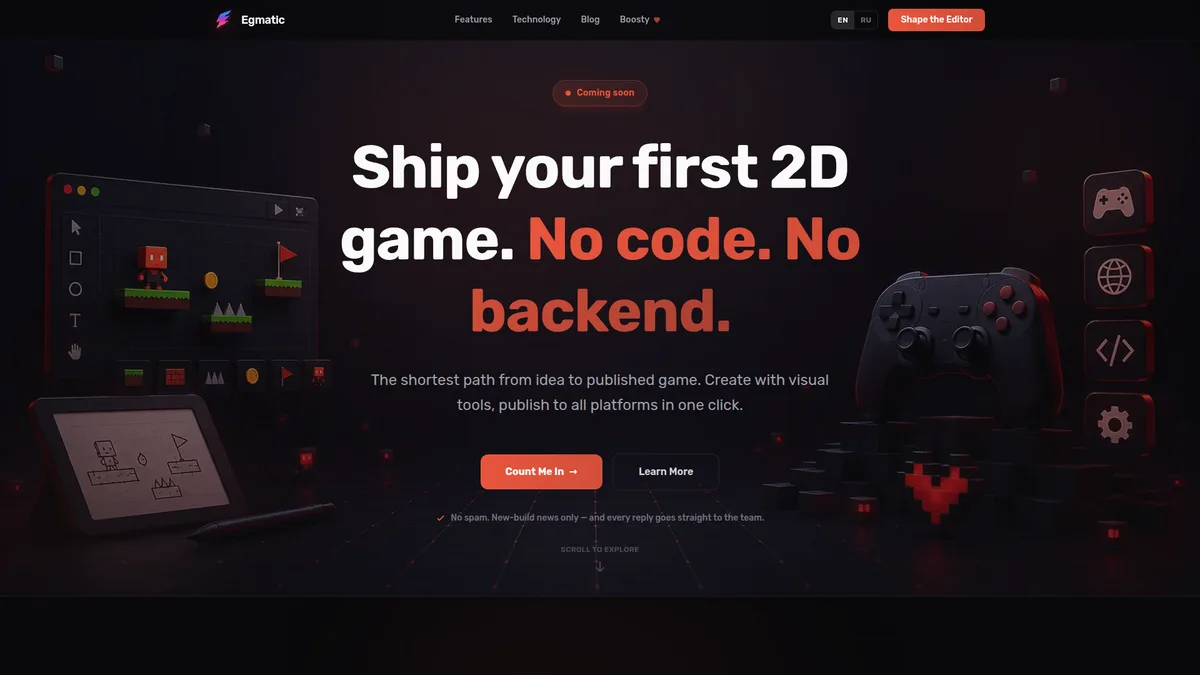
Egmatic is a no-code editor for 2D games that exports to Windows, macOS, Linux, Android, iOS, and the web from a single project. You build game logic in a visual node editor, lay out scenes by dragging and dropping objects, and check your work in a real-time preview instead of waiting for builds. Projects are stored as clean, versioned JSON, so a scene is readable data rather than a binary file. It's still in early access, and the site carries a Coming soon label, so for now you join a waitlist instead of downloading it. It's free during early access, and no paid plans are listed yet. The founder says AI assistance inside the editor is on the roadmap and the JSON format is designed with AI tools in mind, but the site doesn't describe any AI features you can use today. The engine is built on .NET 9 and MonoGame 3.8.
Egmatic Screenshots & Visuals

Egmatic - No-Code 2D Game Editor
Egmatic homepage showing the headline 'Ship your first 2D game. No code. No backend.' beside an illustration of the 2D scene editor with platforms, a character, coins, and a flag
Visual overview of Egmatic's interface, features, and capabilities
What is Egmatic and who should use it?
Egmatic is egmatic is a no-code editor for 2d games that exports to windows, macos, linux, android, ios, and the web from a single project. you build game logic in a visual node editor, lay out scenes by dragging and dropping objects, and check your work in a real-time preview instead of waiting for builds. projects are stored as clean, versioned json, so a scene is readable data rather than a binary file. it's still in early access, and the site carries a coming soon label, so for now you join a waitlist instead of downloading it. it's free during early access, and no paid plans are listed yet. the founder says ai assistance inside the editor is on the roadmap and the json format is designed with ai tools in mind, but the site doesn't describe any ai features you can use today. the engine is built on .net 9 and monogame 3.8.
Designed for:
What can Egmatic do?
How much does Egmatic cost?
Egmatic is completely free to use with no subscription required.
How does Egmatic integrate with existing workflows?
Egmatic is designed to fit into professional ai development workflows. Visit the official website to explore specific integration options, API access, and compatibility with your existing tools.
Quick Access
Category
AI DevelopmentProfessional Context
Target Users
Software Developers, Indie Developer
Pricing Model
Verification Status
Community Listed
Related Guides
Similar to Egmatic
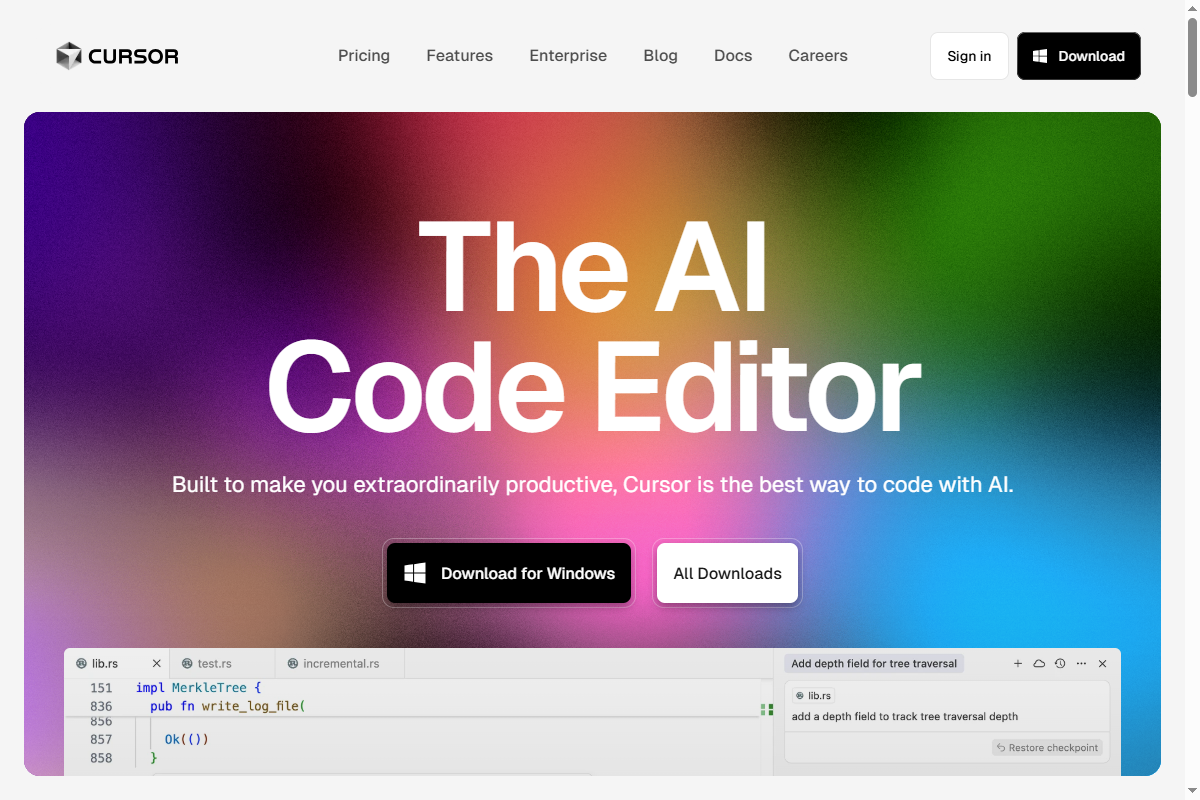
Cursor is an AI-first code editor built on VS Code, featuring AI chat, codebase understanding, multi-file editing, and inline generation. Using GPT-5.2 and Claude models, it enables natural language programming, refactoring suggestions, bug fixes, and documentation generation, accelerating development with context-aware AI assistance integrated directly into the workflow.
Windsurf is a groundbreaking agentic IDE that merges copilot and agent functionalities, allowing developers to engage in autonomous coding workflows. Its innovative approach minimizes interruptions and boosts productivity through intelligent automation, ensuring creators stay in their optimal flow state.
Compare Similar Tools
View all comparisons →Cursor vs Devin
Compare Cursor and Devin for ai development work. See features, pricing, and which tool fits your workflow.
Devin vs Windsurf
Compare Devin and Windsurf for ai development work. See features, pricing, and which tool fits your workflow.
Windsurf vs Cline
Compare Windsurf and Cline for ai development work. See features, pricing, and which tool fits your workflow.
Cline vs Sourcegraph Cody
Compare Cline and Sourcegraph Cody for ai development work. See features, pricing, and which tool fits your workflow.
Sourcegraph Cody vs StackBlitz
Compare Sourcegraph Cody and StackBlitz for ai development work. See features, pricing, and which tool fits your workflow.